Video, images, audio, novel-length text and finished audiobooks — one Docker image, no cloud, no per-seat pricing. Use it in the browser, script it over REST, or hand it to an AI agent over MCP.
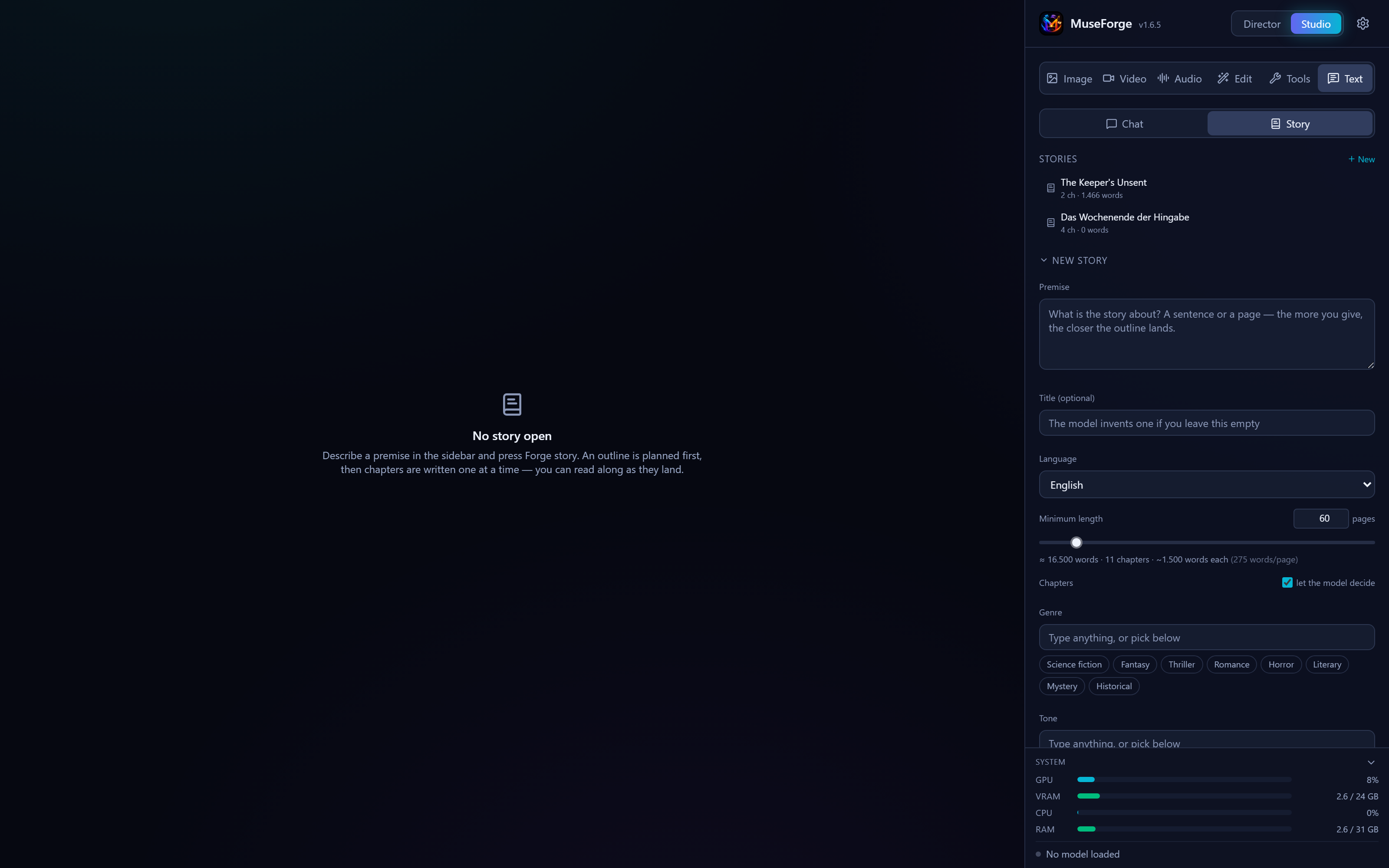
MuseForge starts where a prompt box stops: whole stories, whole books, and a voice that stays the same person from chapter one to the end.
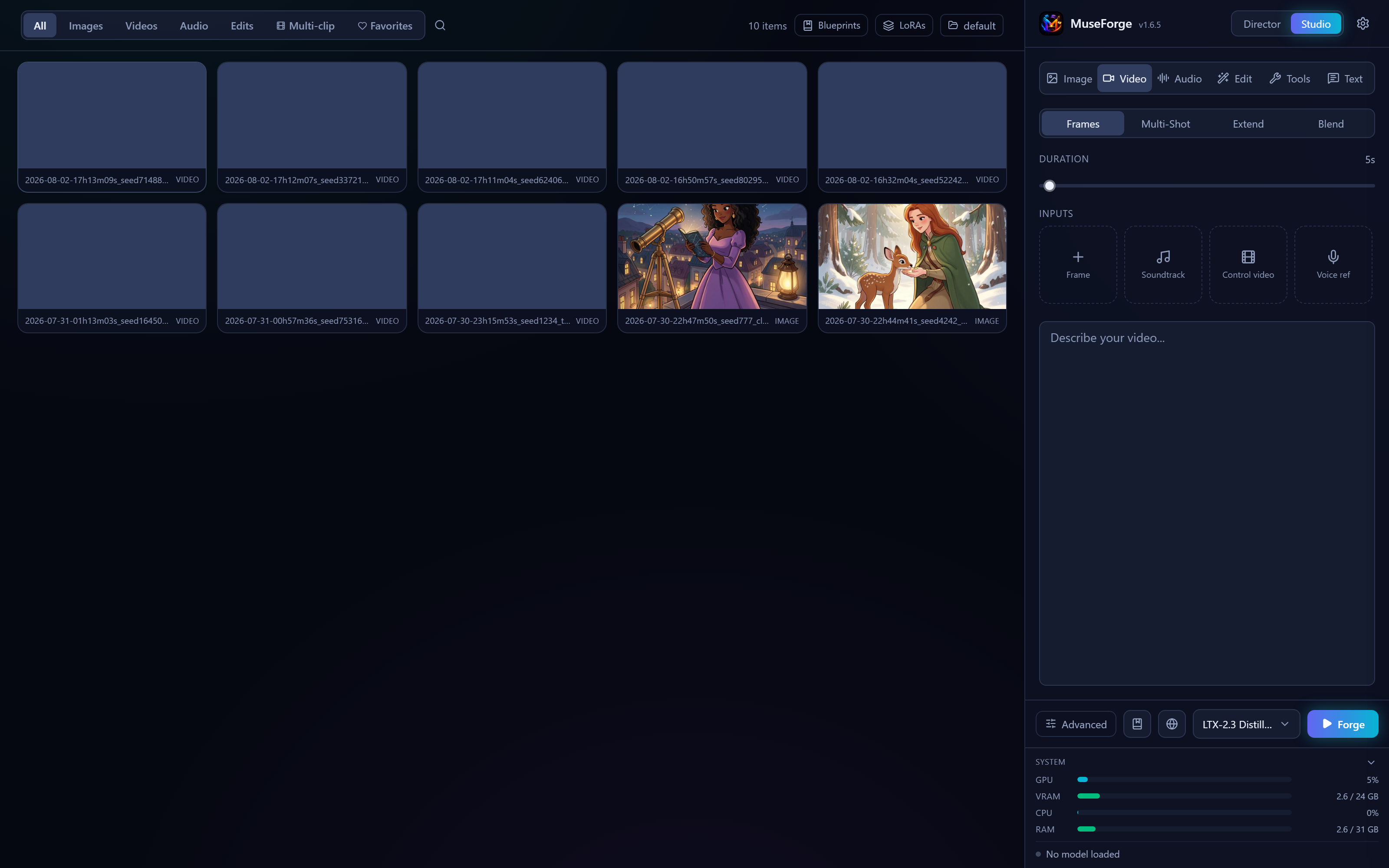
Video, image and audio models — LTX-2.5, Wan, Flux, Qwen Image 2.1, MiniMax H3, YuE2, MiniMax-Music3, SCAIL-2, Viggle and more. LoRAs, advanced sampling, multi-clip, extend, and a queue that holds work until you start it.
Describe a music video or short film. A local LLM plans the shots, writes per-model prompts, renders start frames and runs the pipeline.
Outline, chapters, continuity checks between them, translation into 28 languages, and an audit that reports characters, timeline and plot holes.
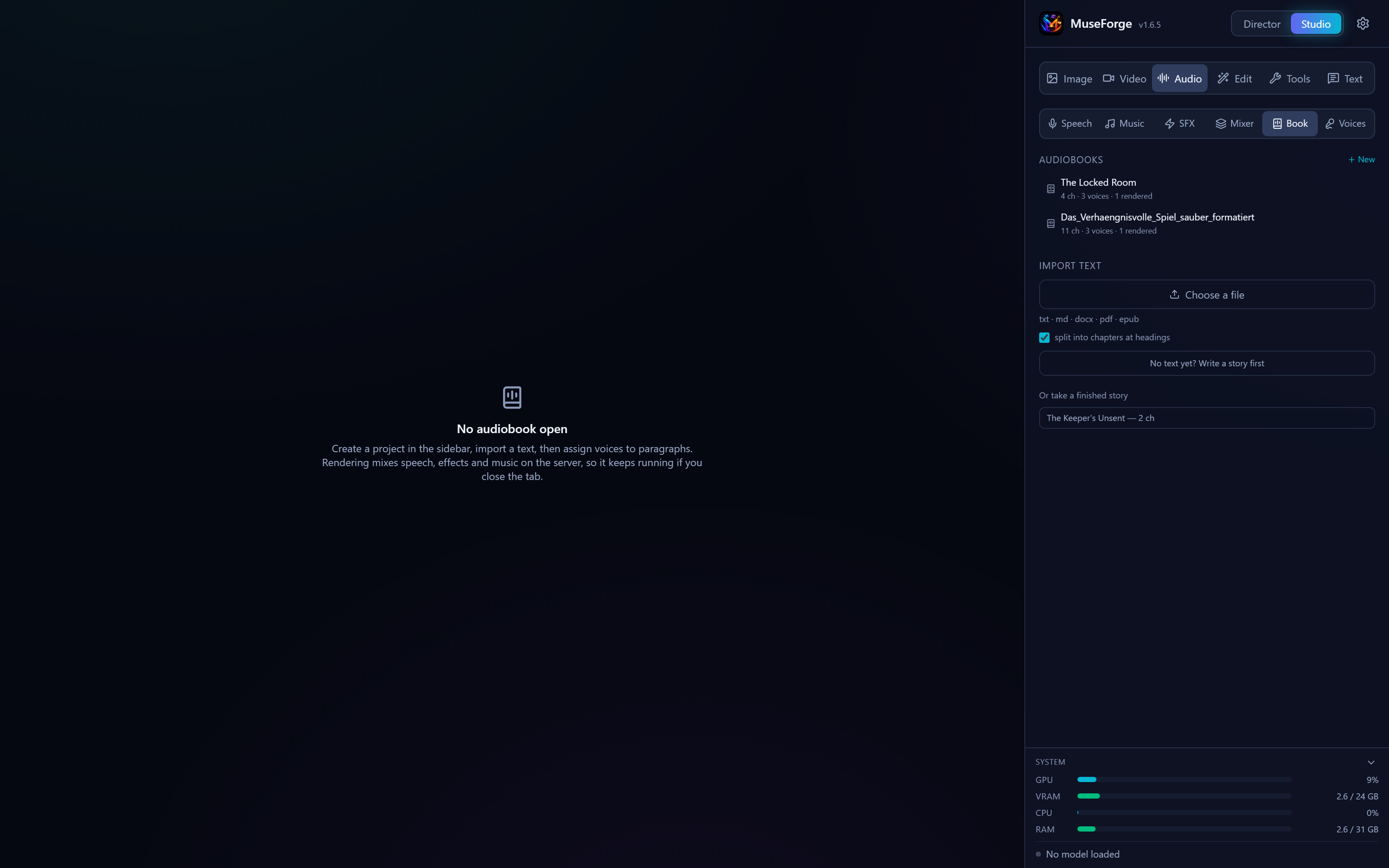
Import a document, assign a voice per passage, add emotion and effects with ducking and loudness matching, render chapters or a chaptered M4B.
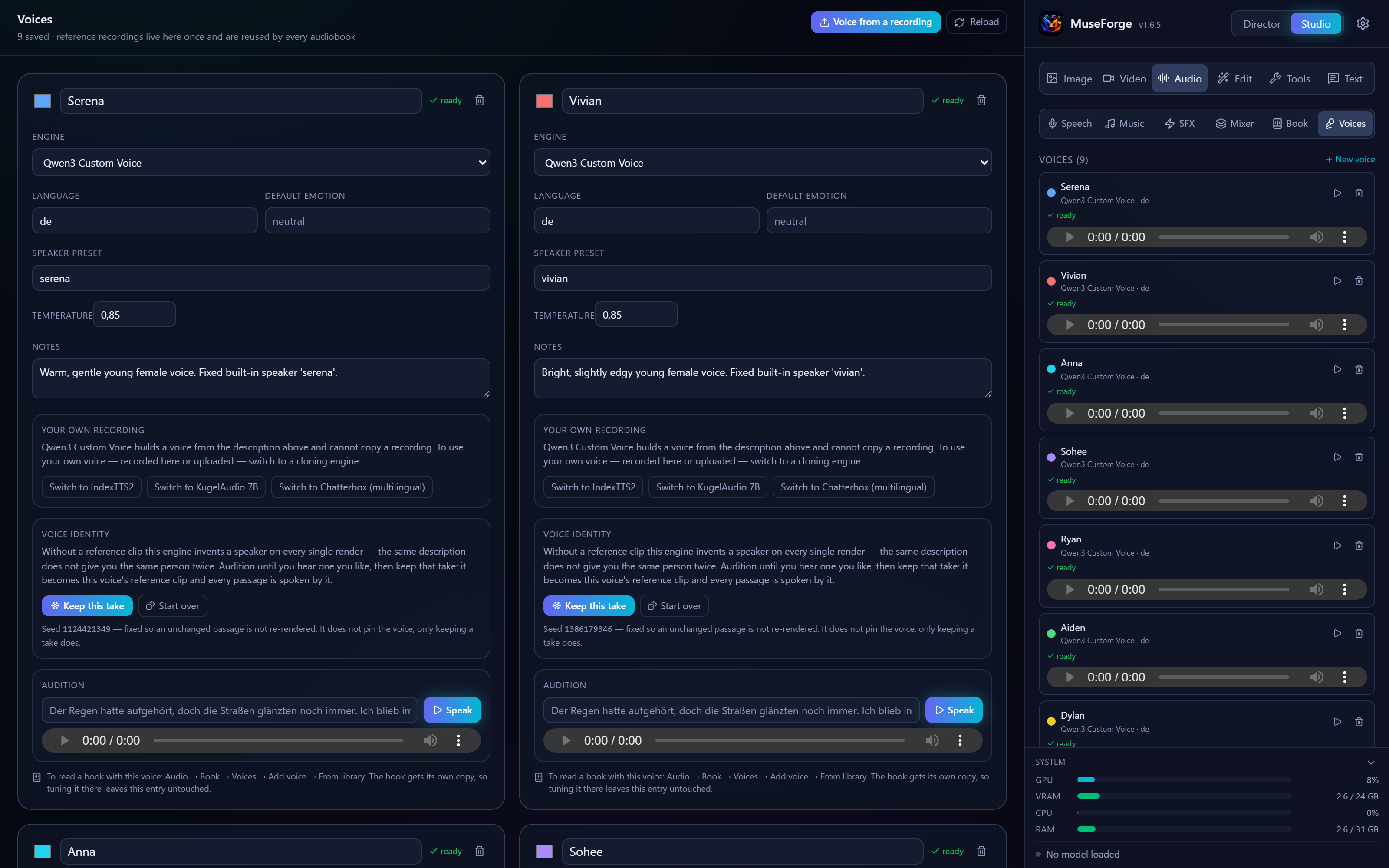
Build a voice from a description and keep the take you like, or adopt your own recording as a cloning reference. Reused by every book.
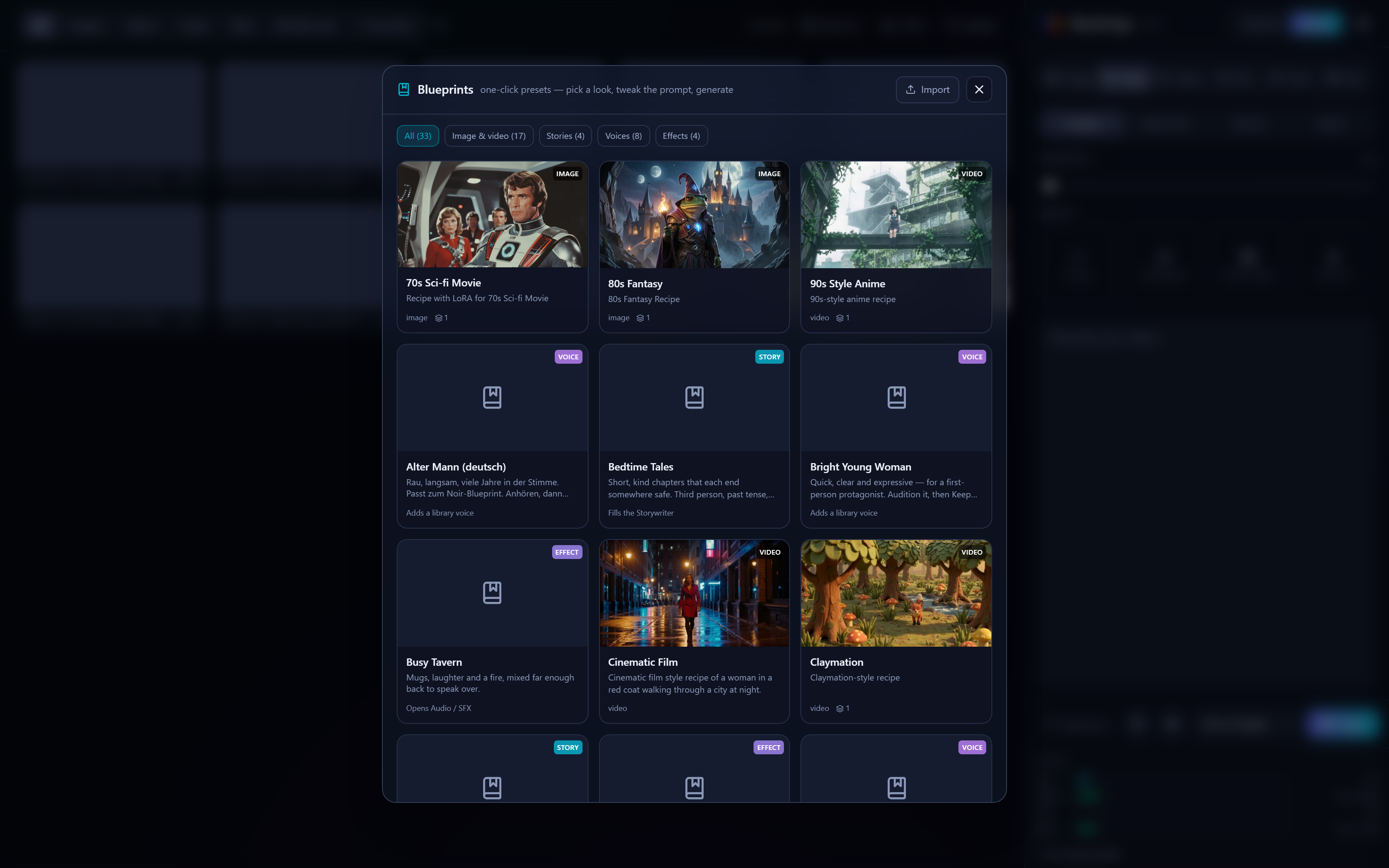
Save any output's full recipe — model, LoRAs, every setting — and re-apply it in one click. 33 ship with the app across five kinds.
Every capability in the UI is a REST endpoint, and a native MCP server exposes 76 of them as tools. An agent can be handed a document and give back a finished audiobook without a human opening the app.
claude mcp add --transport http \
  museforge http://localhost:7861/mcp
Then: list_models → generate →
job_status → get_output_url. Or
upload_document → audiobook_create →
audiobook_render. Anything without a dedicated tool is
reachable through api_request.
Not sure which URL to give it? GET /api/v1/mcp/info answers with
the address it was reached at and a ready-made command.
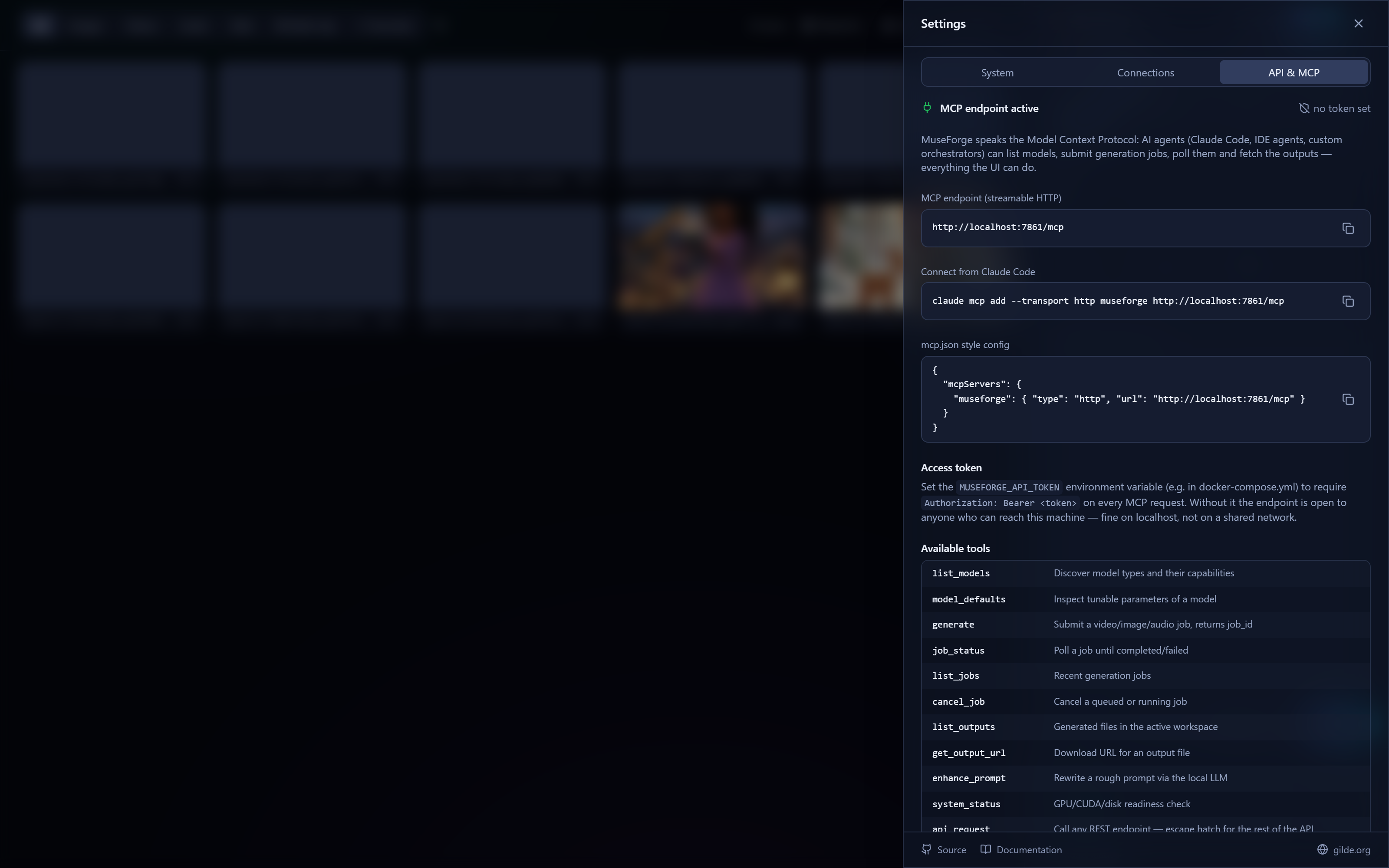
Screenshots from a running instance — retakeable with one command.
An NVIDIA GPU with 6 GB VRAM or more, Docker with the NVIDIA Container Toolkit, and disk space for model weights. That is the whole list.
git clone https://github.com/fgilde/MuseForge.git
cd MuseForge
docker compose up -d
Open http://localhost:7861. Models download on first use, not at
install time — the first video can take a while, later runs are fast.
MuseForge is a fork of Maestro by @Blizaine, which builds on the Wan2GP generation pipeline. Maestro is a desktop app installed through Pinokio; MuseForge takes the same engine and points it at infrastructure and long-form work. If you want the one-click desktop experience, use Maestro — it is excellent at being that.
Released under the WanGP Non-Commercial Evaluation License 1.1. Free for non-commercial use; your generated outputs are yours.
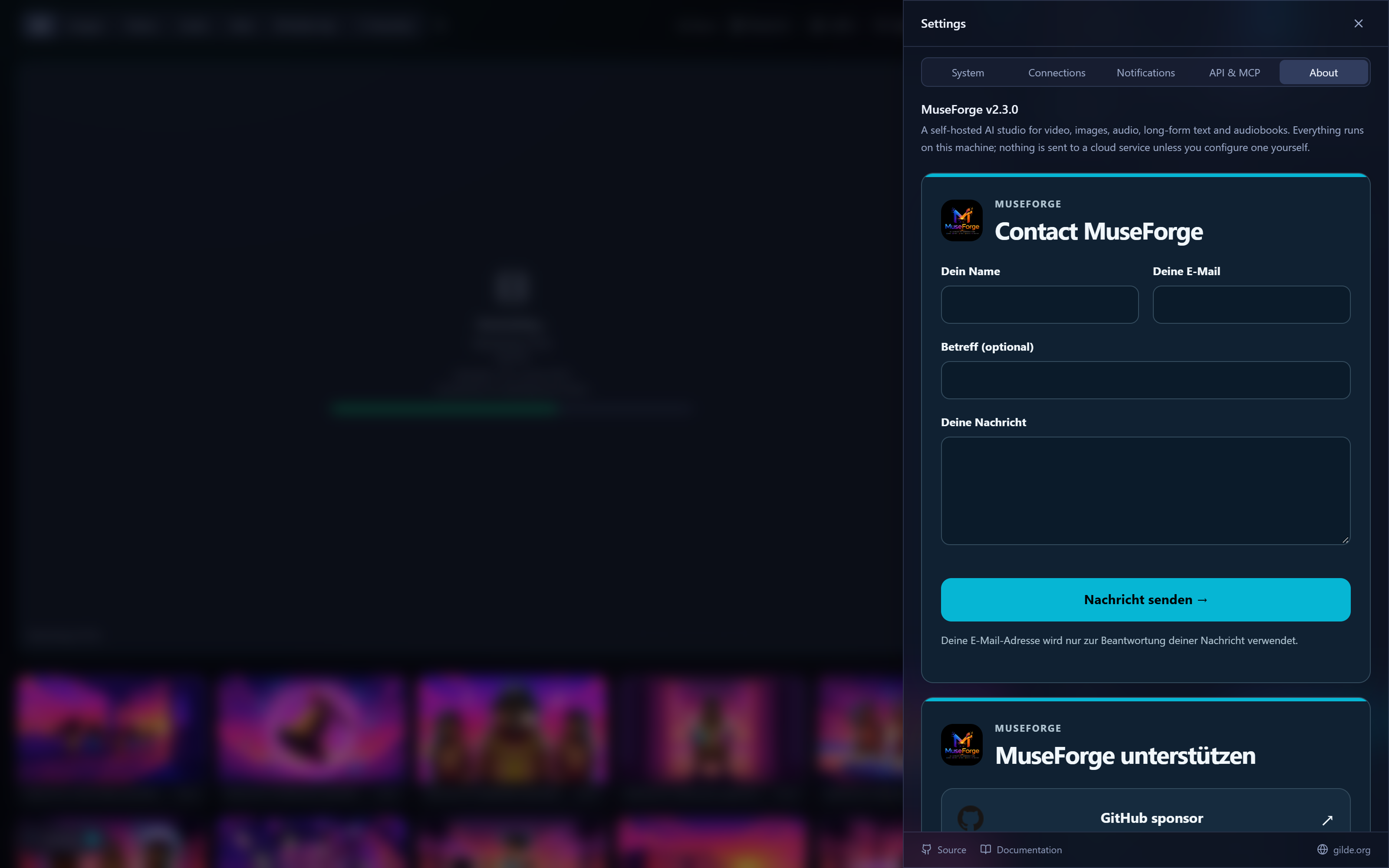
Write directly — bug report, feature idea, or just how you are using it. MuseForge is free and stays that way; supporting it is optional and keeps the GPUs that test each release running.
The same two forms sit inside the app under Settings → About, painted in whatever accent colour your theme is using.