SELECT everything FROM your_databases;
WebDataStudio is a database studio you run yourself: one container, nine engines, no install on anybody's machine. Write queries, edit data, design schemas, read execution plans and keep an eye on the server — from any browser on the network.
# one container, one volume, done
docker run -d -p 8080:8080 -v wds-data:/data \
  -e WDS_CONN_LOCAL="postgres://app:pw@db:5432/shop" \
  ghcr.io/fgilde/webdatastudio
Every driver says what it can do, and the UI hides what an engine does not support.
 PostgreSQL
postgres:// MySQL
MySQLmysql:// MariaDB
mariadb:// SQL Server
sqlserver:// SQLite
sqlite:/// Oracle
oracle:// DuckDB
duckdb:// ClickHouse
clickhouse:// MongoDB
mongodb:// Redis
Redisredis:// S3 · Blob · GCS
s3:// · azblob:// · gs://Everything below ships in the same image; nothing is held back for a paid tier.
Monaco with dialect-aware highlighting, schema-aware completion, formatting, the statement under the cursor highlighted, F5 for the selection, bind parameters and snippets.
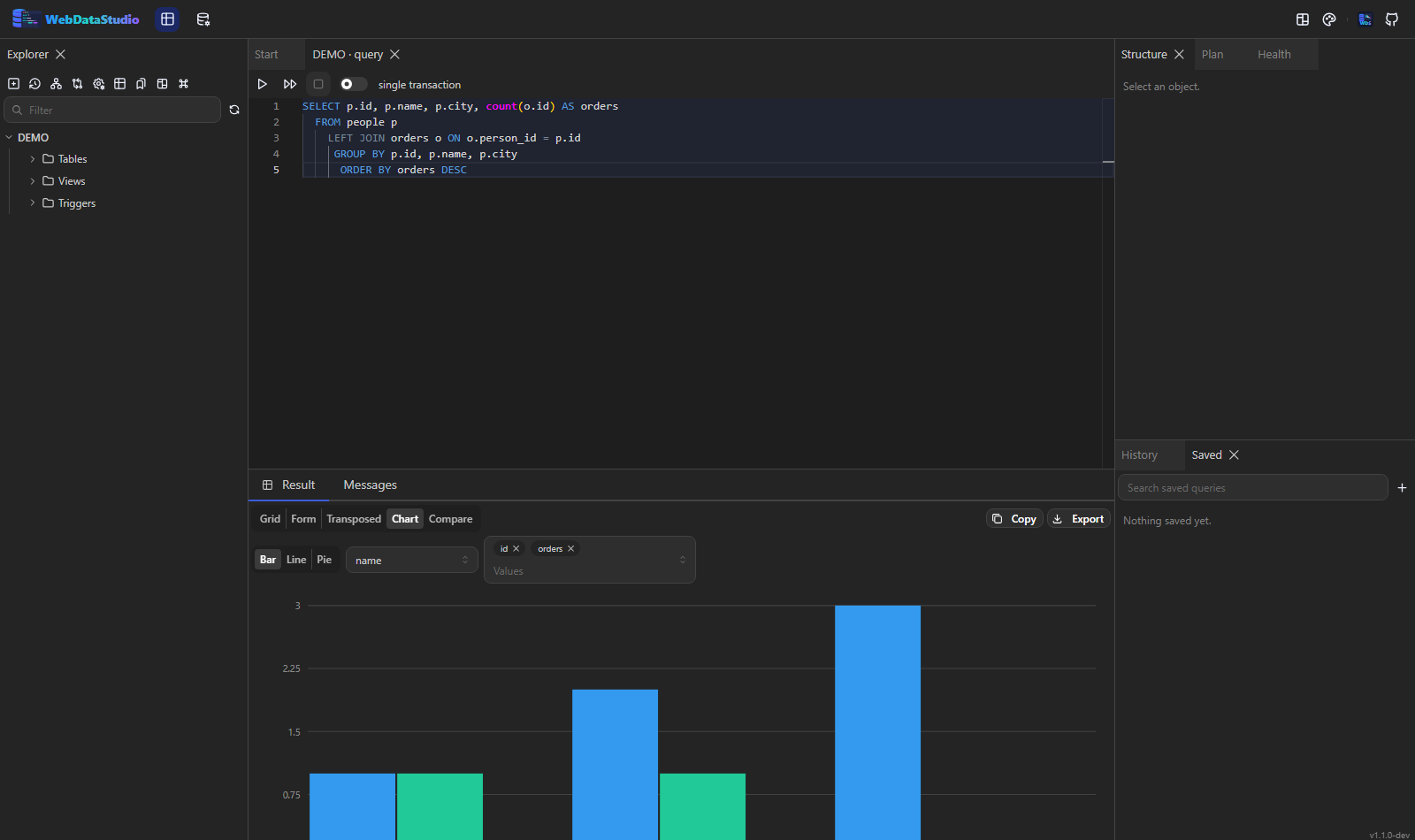
A virtualised grid for hundreds of thousands of rows, streamed while the query is still running, with grouping, a form view, a transposed view, charts and a map for geography.
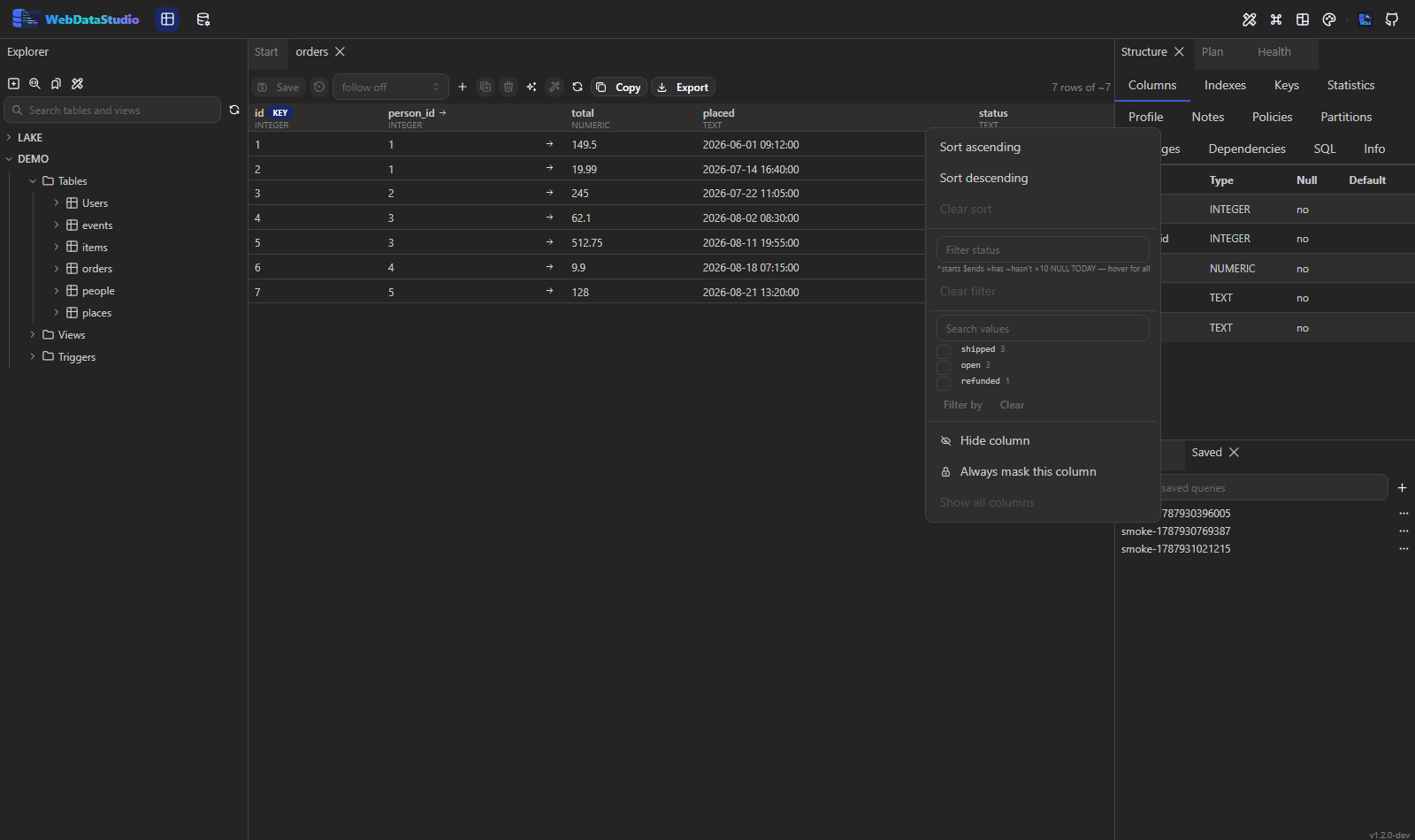
^starts, $ends, ~hasn't, >10,
NULL, LAST MONTH — a space for AND, a comma for OR. Plus the
values a column actually holds, as checkboxes with their counts.
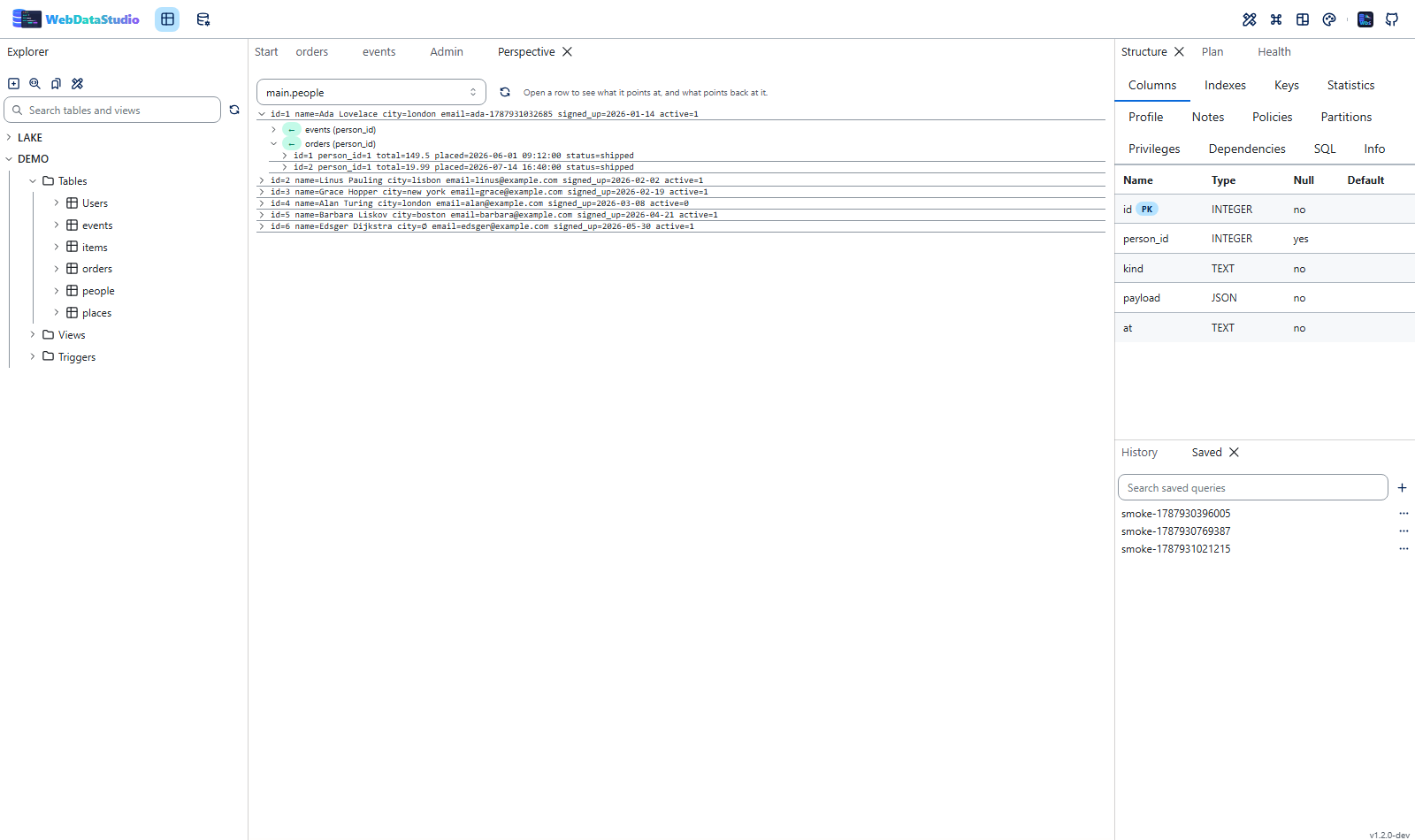
Borrow a column from the table a foreign key points at, or open one row into everything related to it and keep going as deep as the question does. Or follow a table itself: the page re-read on a timer with the rows that are new since the last read tinted.
S3, Azure Blob, Google Cloud Storage or a folder in the tree beside the databases. Preview an object, query a Parquet, CSV or JSON file — or a whole prefix — as a table through DuckDB, and make a real table out of it in the database next to it.
A JSONB column is one cell of text in most grids. Here it has a shape: which paths exist,
how often, which types, an example — and the SELECT that flattens them into
columns, written in this engine's own spelling.
Read from what the database itself kept — a system-versioned table, MariaDB's system versioning, Oracle's flashback — with the columns that moved between versions highlighted. Where an engine keeps no history, it says so instead of inventing one.
Hold a transaction open across statements: run the UPDATE, look at what it
did while nobody else can see it, then commit — or roll it back. The studio ends one
nobody came back to, so a closed browser never leaves locks behind.
No SQL, no problem: a collection is paged, sorted and filtered by the server with a
find, and a Redis database is its keys with type, TTL, length and memory — a
cache inventory you can sort and export. A key opens as field and value, member and score,
or index and value.
Table sizes sampled every time somebody looks, so the history builds itself; the biggest change first with a per-day rate. Plus what this studio keeps running, grouped by shape, with a trend — and a captured minute read by the index advisor.
The catalogue cannot say that a third of yesterday's orders have no customer. A rule can: has a value, no duplicates, in a range, points at a row that exists, is recent. Each one counts the rows that break it, and a failing rule joins the health findings.
These rows, the rows they point at, and what is about people replaced — one SQL script that loads into an empty database. Keys are never touched, and the same value always becomes the same pseudonym, so the tables still agree with each other.
Sign in with Entra, Keycloak, Auth0 or Okta and map its groups to the studio's roles — or keep the accounts in the environment. Either way, every statement, export and refused request leaves one line an admin can read.
Rows, empty values, distinct values, smallest and largest — per column, in one statement.
Plus the columns whose values look like an IBAN, a card number or an address,
which is how col_17 gets found and masked.
The advisor writes the CREATE INDEX; Try it creates it, asks the engine
for the plan again, and drops it. "The planner would probably use it" is the part everybody
gets wrong.
A statement that takes every row reads the table into an archive first — a file the studio can reopen and script back out as inserts. Undo was never about statements; now it is.
Bind parameters become boxes, the link carries the values and runs by itself. "The numbers for last month" is something to send rather than to explain — and it is reading only, whatever the query says.
COMMENT ON needs a DDL right and a migration, so what somebody works out ends
up in a chat message. A note here has a name and a date and sits next to the table, the
view or the function it is about.
An MCP endpoint with the same deal a person gets: masked columns stay masked, a read-only connection stays read-only, and a write is previewed and hashed before it runs.
Keep a result as a file the studio holds on to — what the table looked like before the migration — reopen it as a grid later, and script the rows back out as inserts.
Edit cells like a spreadsheet. Before anything runs you see the exact SQL, and a table without a primary key says why it cannot be edited instead of guessing.
CSV, TSV, Excel, JSON, NDJSON, XML, YAML, Markdown, HTML, SQL and Parquet — streamed, not buffered. Import from CSV, Excel, JSON and SQL, or copy a table to another engine.
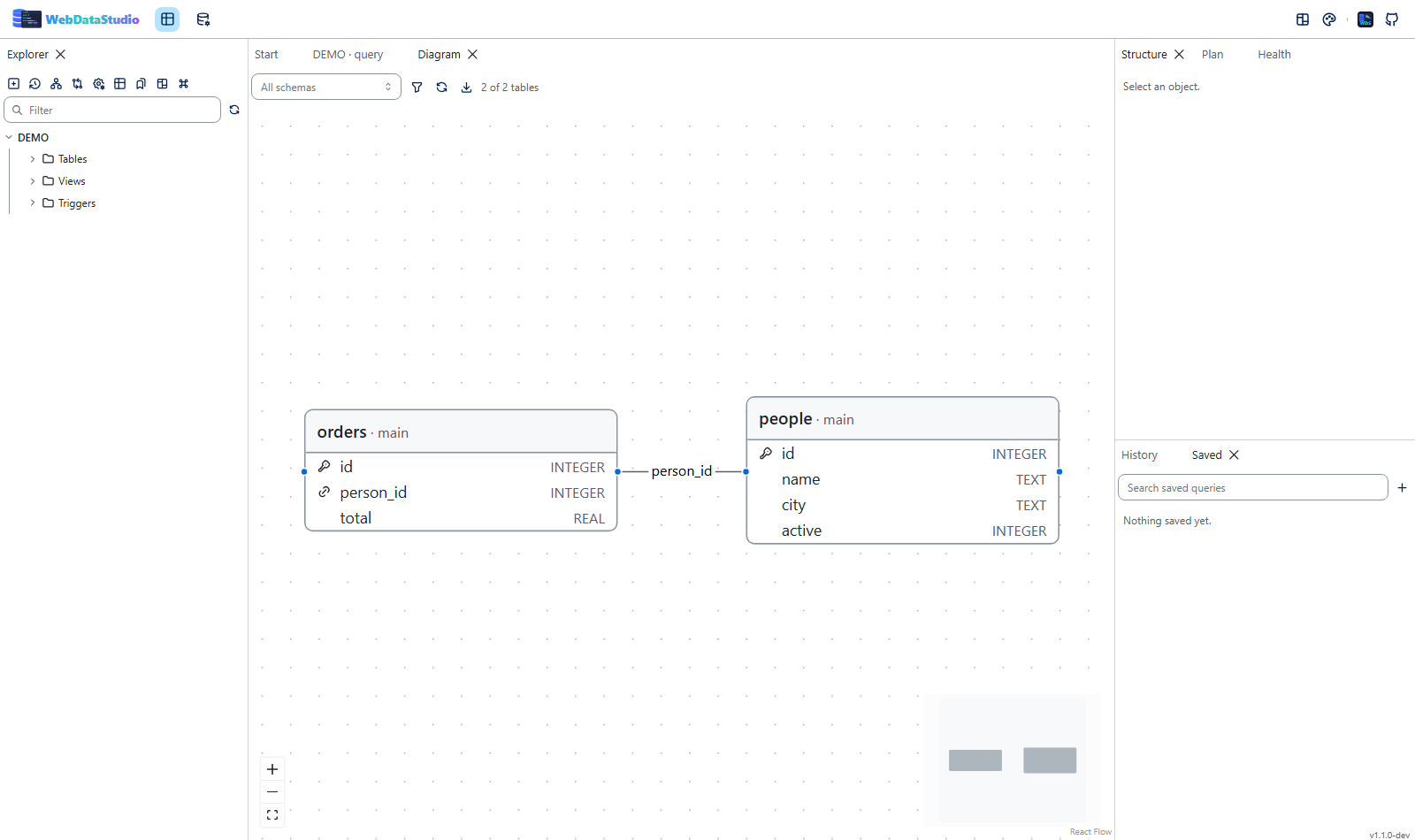
A table designer, index and constraint management, editors for views, routines, triggers and sequences, an ER diagram with automatic layout — and a statement preview for every change, with whatever depends on the object listed next to it.
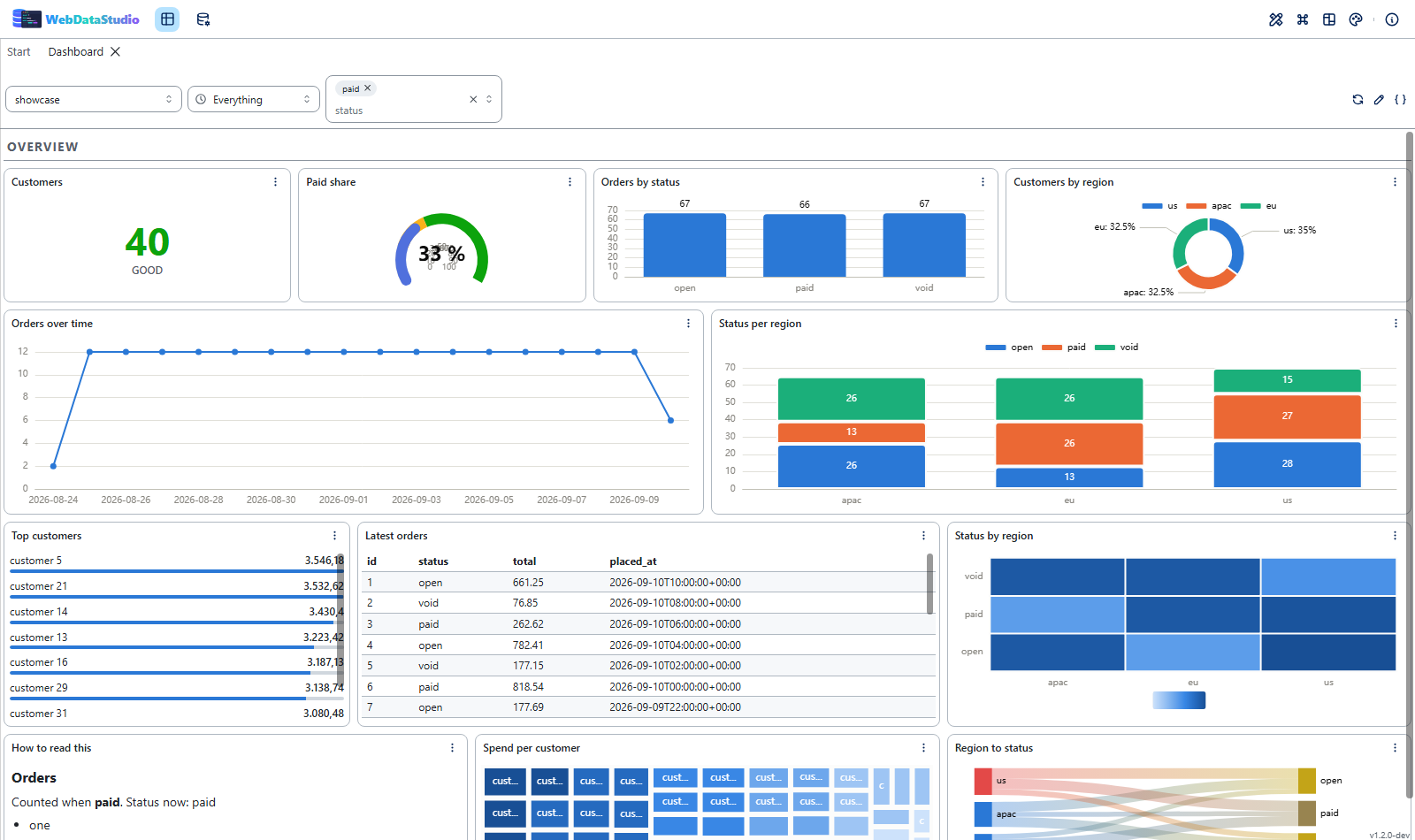
A canvas in twenty-four columns with fifteen widget types — stat, gauge, bar, line, pie,
treemap, heatmap, map, sankey, table — one time range the statements read through
$__timeFilter, variables bound as parameters, and one widget over several
databases at once. Grafana dashboards read and written, with a report of what could not
come along.
Estimated and actual plans with a cost heat map, an index advisor that writes the
CREATE INDEX for you, deep analyze, slow queries and server metrics.
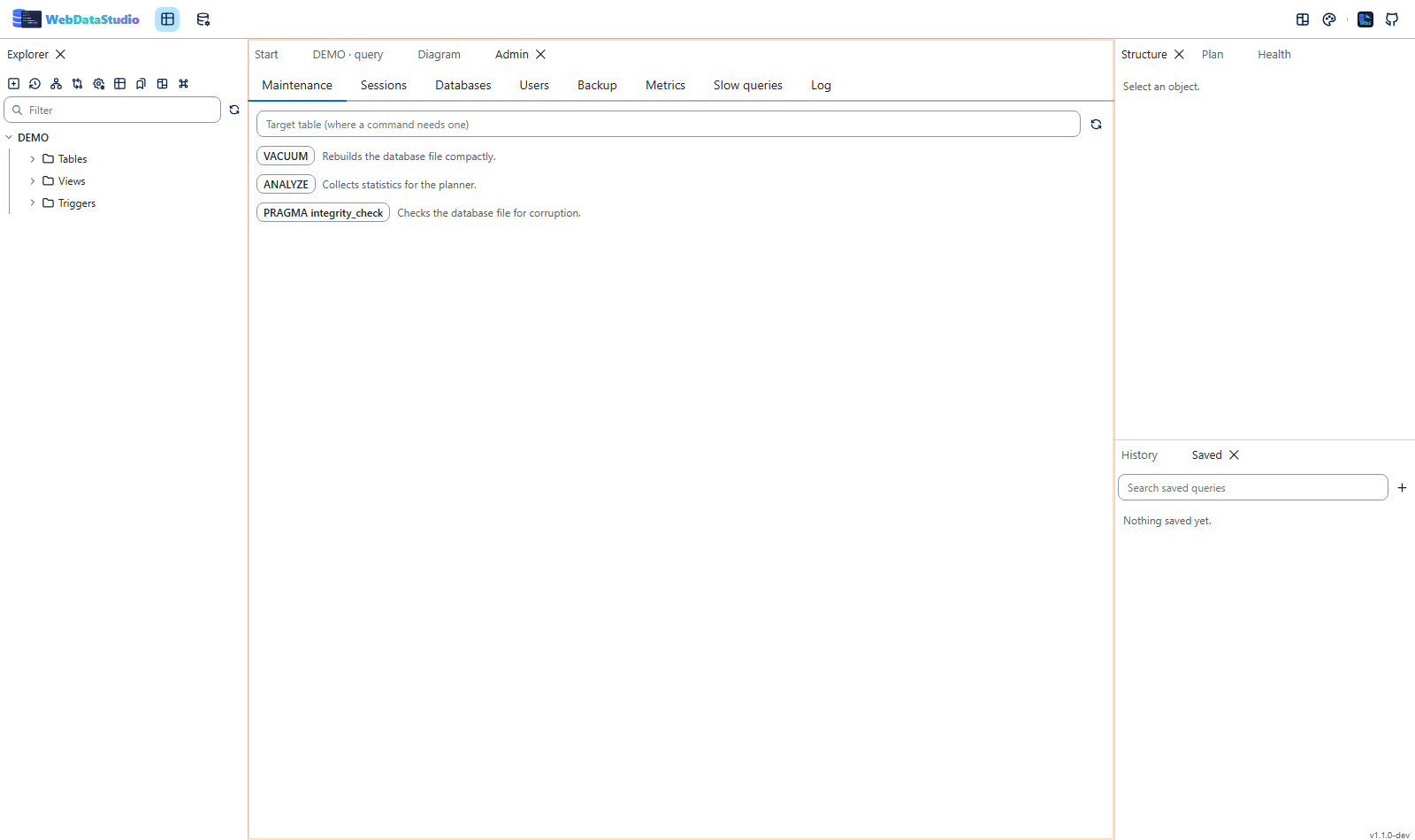
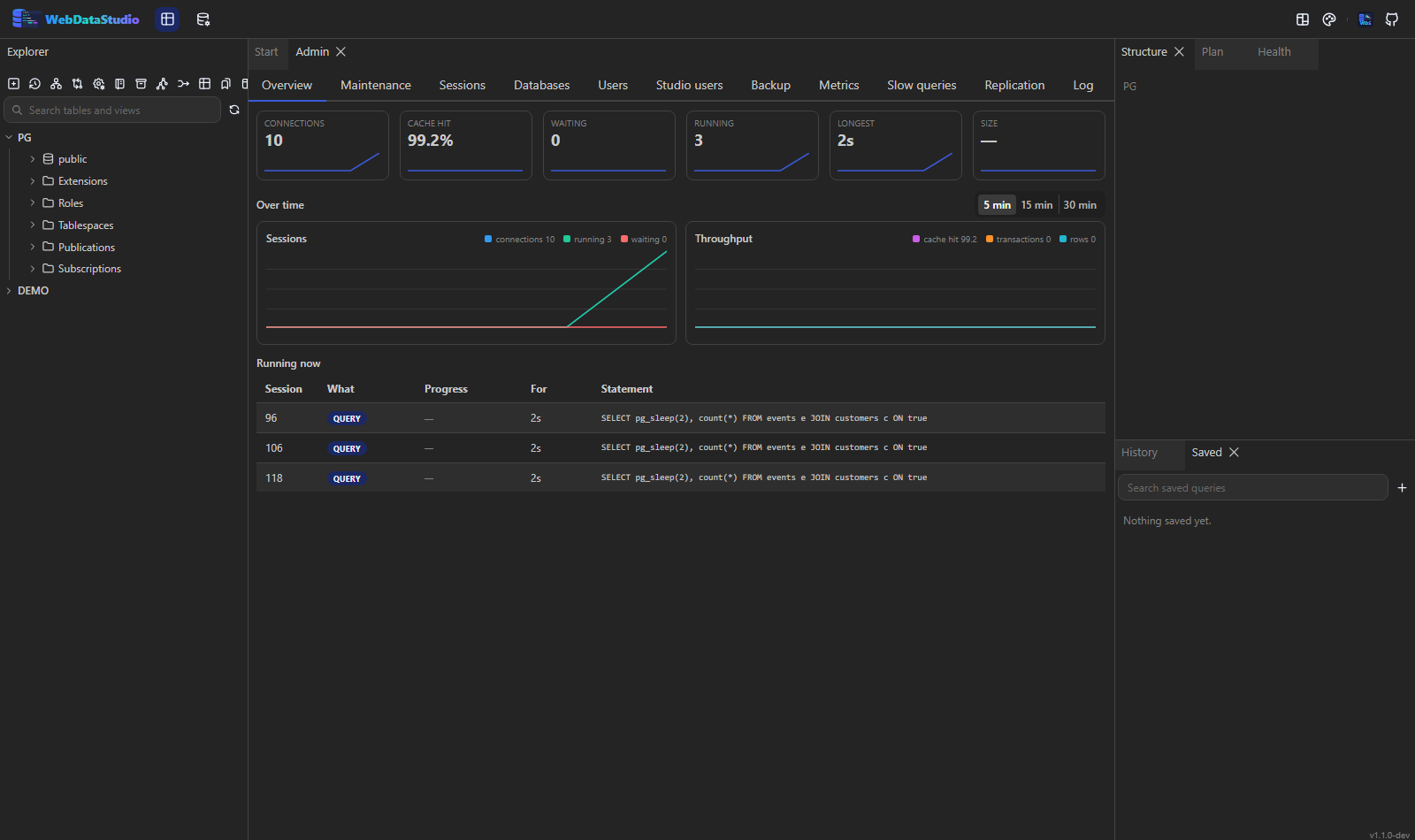
Maintenance commands, sessions and kill, databases, users and privileges, the server log, a dashboard that draws its numbers over half an hour, and backup and restore through the engines' own tools.
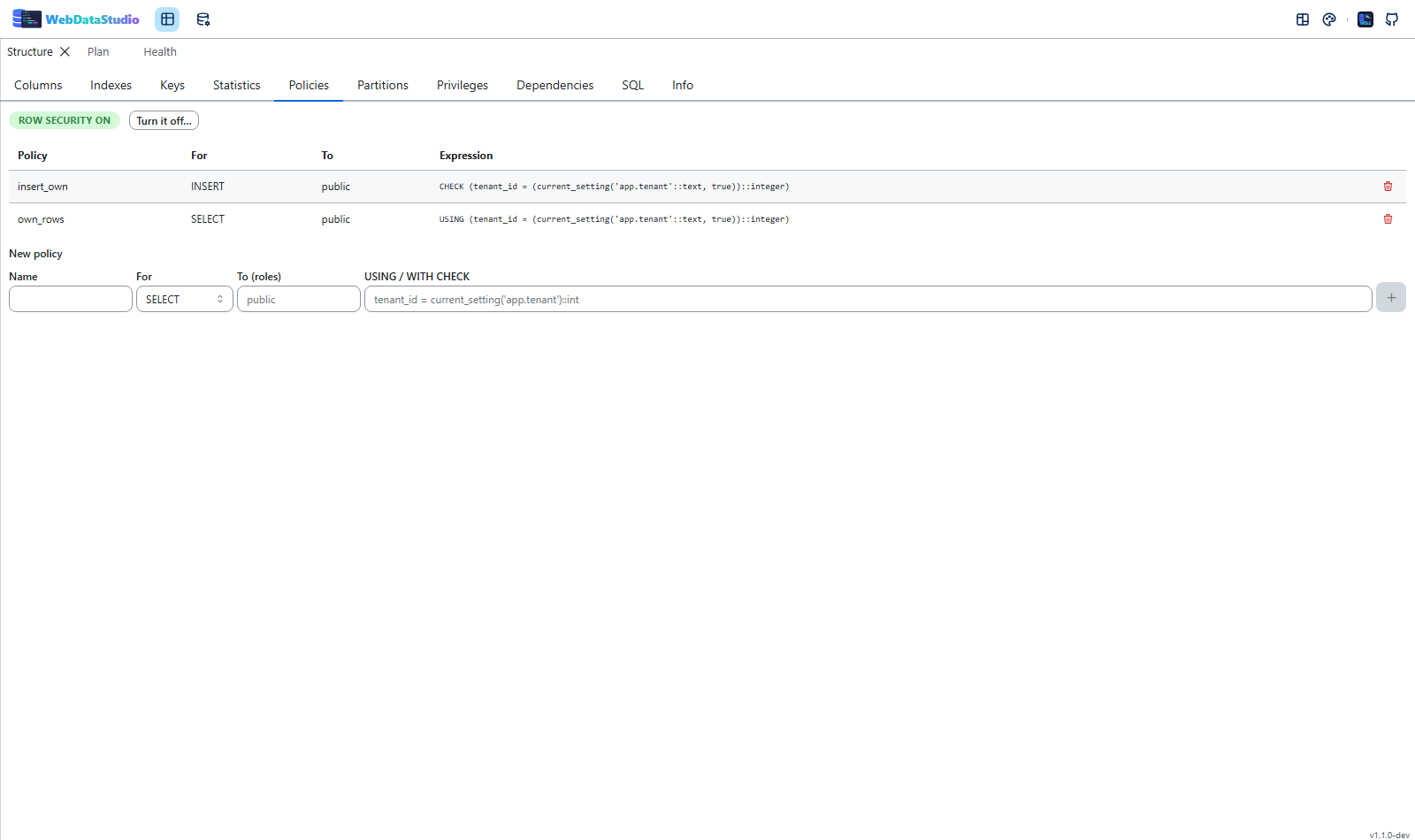
Row-level security and its policies, the partitions of a partitioned table with their bounds, a function's source and a run inside a transaction that is rolled back — and extensions, roles, tablespaces and publications in the tree.
Connections come from environment variables, so a studio for your stack is one container in Docker Compose, Kubernetes or a .NET Aspire app host.
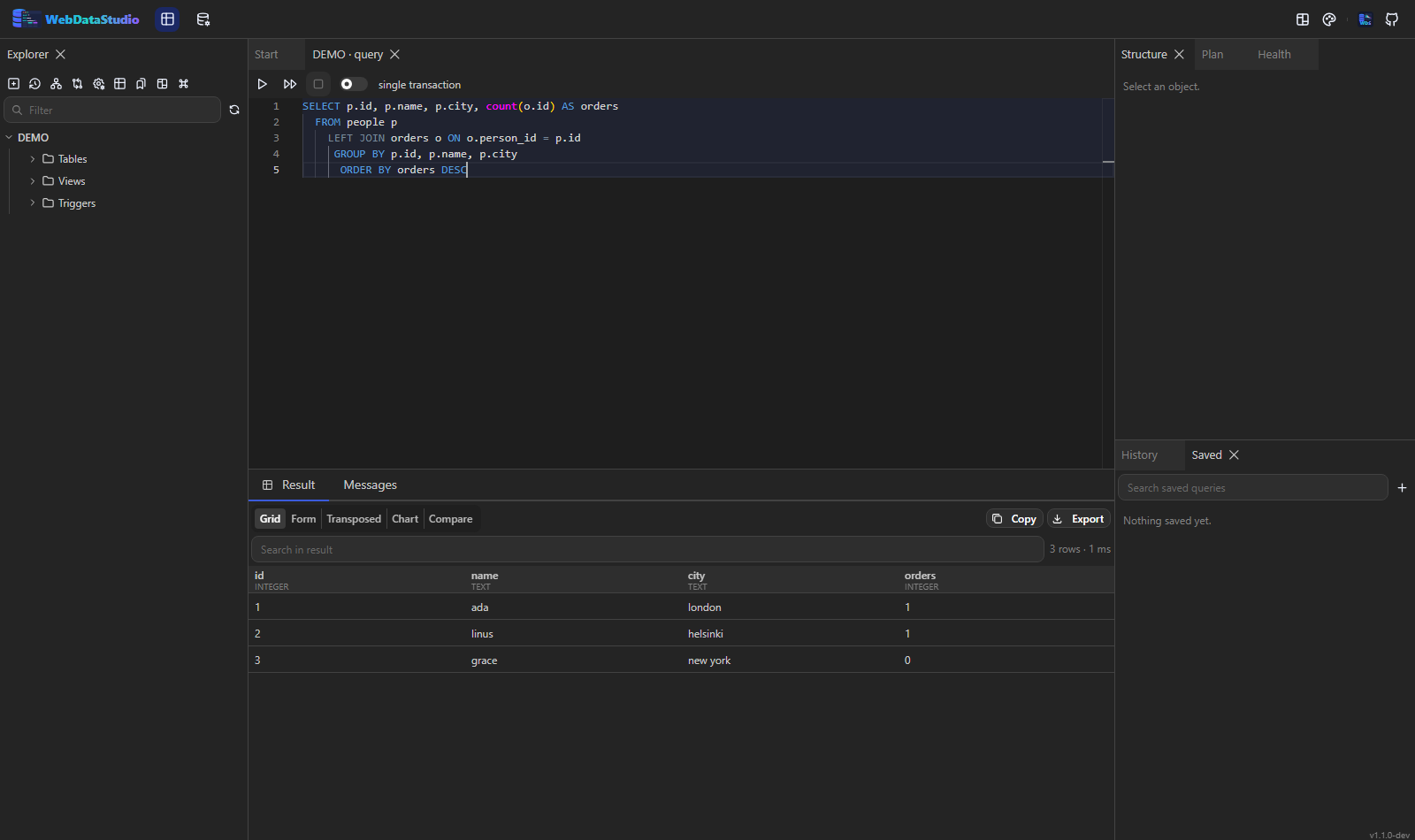
The same app in two of its twenty-one themes.
Hang it into your app host and it picks up the connection string of your resource.
var db = builder.AddPostgres("db").AddDatabase("shop");

builder.AddContainer("studio", "ghcr.io/fgilde/webdatastudio")
       .WithHttpEndpoint(port: 8080, targetPort: 8080)
       .WithEnvironment("WDS_CONN_SHOP", db.Resource.ConnectionStringExpression)
       .WithVolume("wds-data", "/data");
 Or install
Nextended.Aspire.Hosting.WebDataStudio
and write
Or install
Nextended.Aspire.Hosting.WebDataStudio
and write builder.AddPostgres("pg").AddDatabase("shop").WithWebDataStudio(); —
one call per database, one studio, the engine worked out for you.
Free and community editions only, as of August 2026. Every one of these is a good tool; this table is about which one fits a browser-first, self-hosted setup.
| WebDataStudio | DbGate | Adminer | phpMyAdmin | pgAdmin 4 | CloudBeaver CE | |
|---|---|---|---|---|---|---|
| Runs in a browser | yes | yes | yes | yes | yes | yes |
| Official container image | yes | yes | yes | yes | yes | yes |
| Licence | MIT | GPL/premium | Apache 2.0/GPL | GPL | PostgreSQL licence | Apache 2.0 |
| Relational engines | PostgreSQL, MySQL/MariaDB, SQL Server, SQLite, Oracle, DuckDB, ClickHouse | PostgreSQL, MySQL/MariaDB, SQL Server, SQLite, Oracle, ClickHouse and more | MySQL/MariaDB, PostgreSQL, SQLite, SQL Server, Oracle, Firebird | MySQL/MariaDB | PostgreSQL | Many, through JDBC |
| Find a value in any table, server-side | yes | no | no | no | no | yes |
| Scheduled jobs: Agent, pg_cron, events | read, and changes as statements | no | Agent only | events only | no | yes |
| Buckets and files as a connection, queried as tables | S3, Azure Blob, GCS, a folder | no | no | no | no | files, not buckets |
| MongoDB and Redis | both | both | no | no | no | in the enterprise edition |
| Connections from environment variables | yes | yes | one server per URL | yes | via a servers.json file | via a config file |
| ER diagram | yes | yes | no | designer | yes | yes |
| Execution plans | estimated and actual | text plan | EXPLAIN output | EXPLAIN output | graphical | yes |
| Index advisor and deep analyze | yes | no | no | advisor for MySQL variables | no | no |
| Schema and data comparison | yes | in the premium edition | no | no | no | no |
| Backup and restore from the UI | yes | export only | SQL dump | SQL dump | yes | export only |
| Price for everything above | free | free core, paid premium | free | free | free | free core, paid enterprise |
Found something out of date? Open an issue and it gets corrected — a comparison is only worth having while it is accurate.
The container is the main way to run it. Desktop builds are the same server in a single file.
docker run -d -p 8080:8080 -v wds-data:/data ghcr.io/fgilde/webdatastudio
Image on
GHCR
A self-contained binary per platform; start it and your browser opens.
Releases
.NET 10 and Node 22, then dotnet run and npm run dev.
Development guide
A question, an idea, a bug that is not quite a GitHub issue — or a coffee for the next release.