Installation
Voraussetzungen
- .NET SDK 10
- Docker (Postgres, Redis, Mailpit und bei Bedarf Keycloak laufen als Container)
- Eine IDE mit Aspire-Unterstützung oder einfach die
dotnet-CLI
Eine neue App in einer Minute
Die Coworkee-CLI legt eine vollständige Solution an, die die NuGet-Pakete nutzt: App-Host, API, Auth-Server, Blazor-Web-App, Migrationen, Beispielmodule.
Die Konsole zeigt die Adresse des Aspire-Dashboards; von dort öffnen Sie die Web-App. Die CLI-Seite beschreibt die Optionen: Module an oder aus, Event-Bus, Speicher, Theme, Markenfarben, Logo, Anmeldedesign. Mit coworkee new --spec app.json kommt die App gleich mit eigenen Modulen und Entities, coworkee ui öffnet Coworkee Studio, einen Desktop-Assistenten dafür, und mit coworkee mcp erledigt das ein KI-Agent (MCP-Server).
Ohne CLI funktioniert dasselbe Template mit dotnet new:
Die Demo-Anwendung
Die Coworkee-Demo-App ist das vollständige Beispiel: Katalog, Dokumente, Dashboard, Administration, angelegte Benutzer und Keycloak.
git clone https://github.com/fgilde/Coworkee coworkee-demo
cd coworkee-demo
dotnet run --project src/MyApp.AppHost
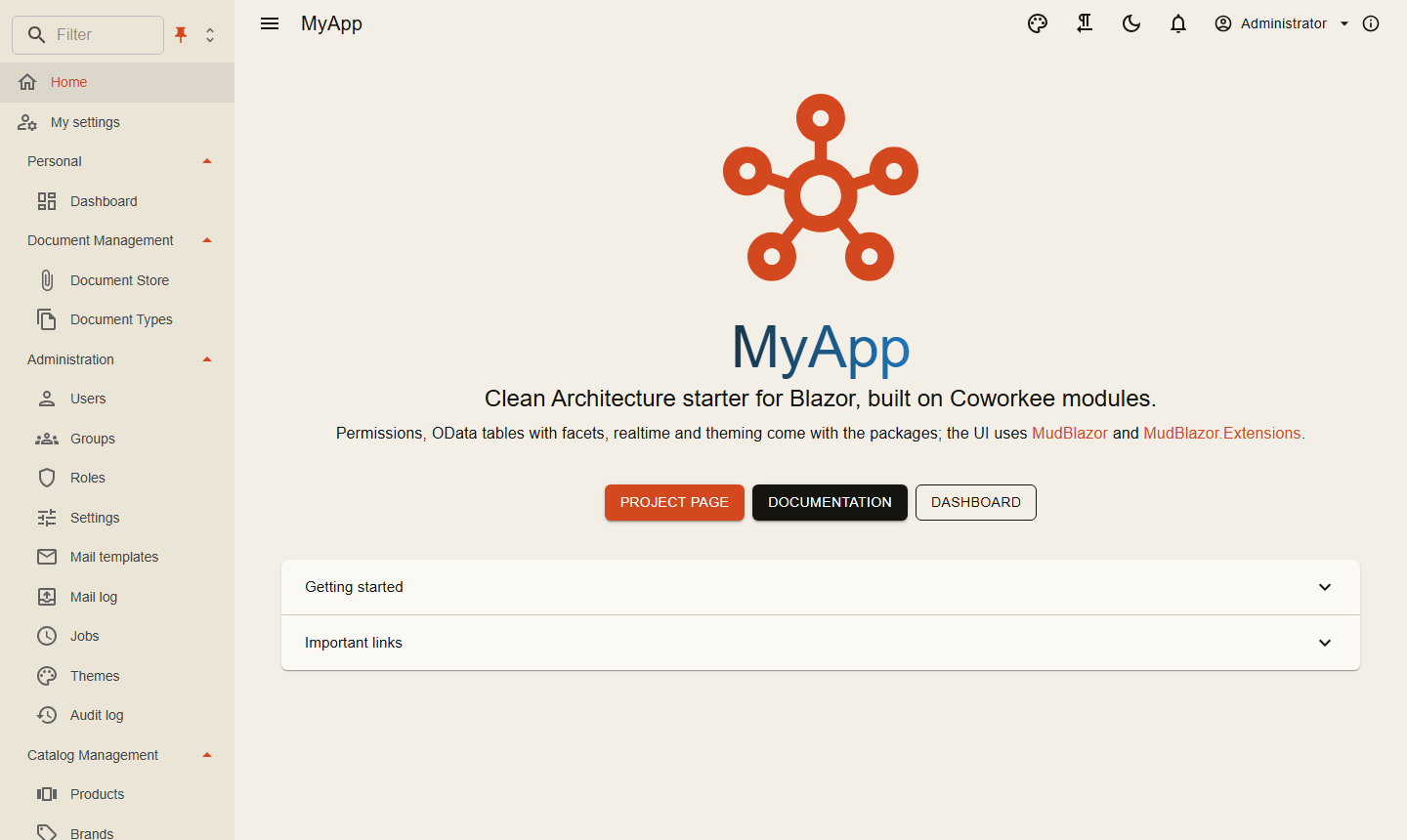
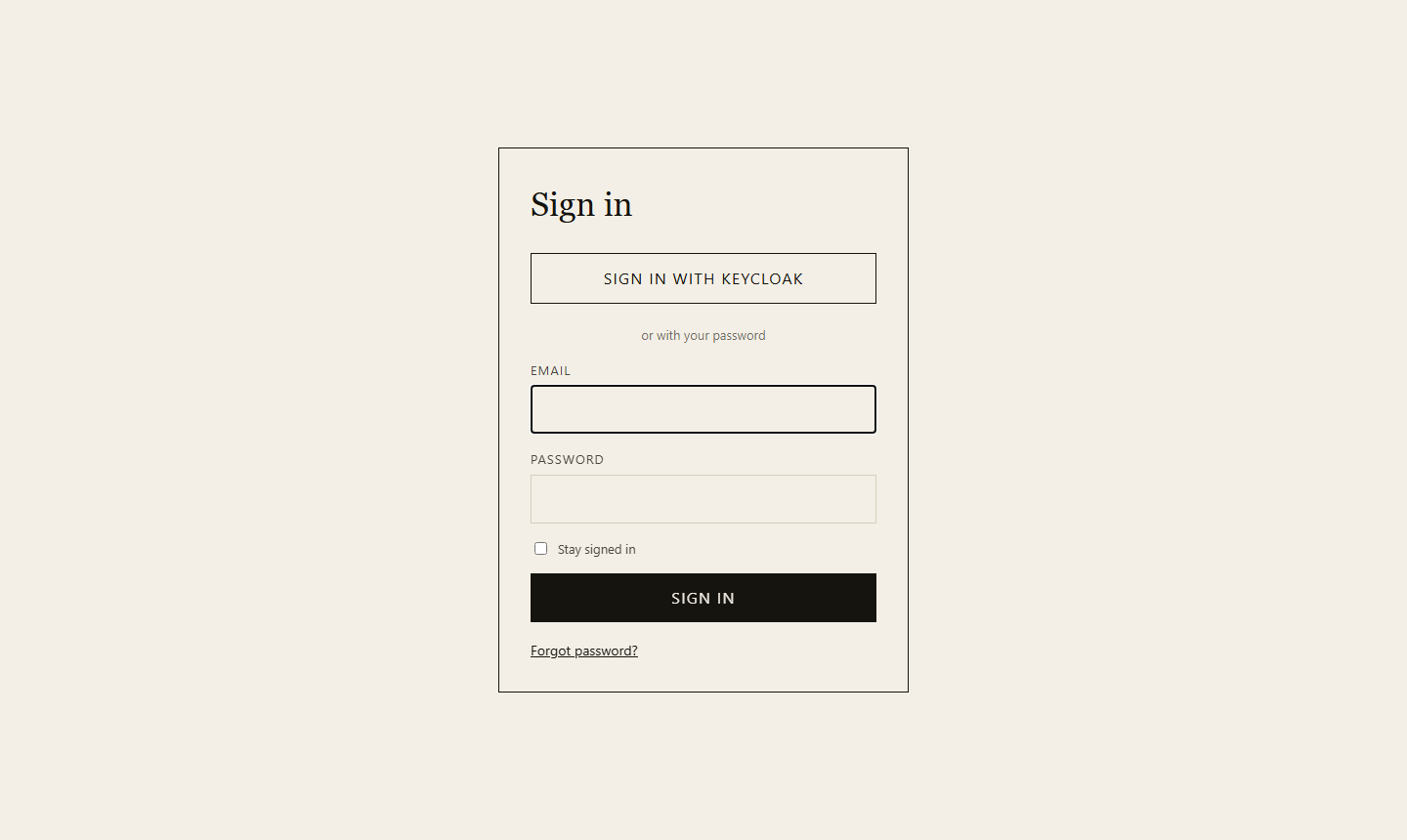
Der Migrations-Dienst spielt die Migrationen ein und legt die Benutzer an, bevor die anderen Dienste starten; Benutzer und Passwörter stehen in LOGIN.md der Solution (aus src/MyApp.Migrations/DemoUsers.cs). Die Anmeldeseite bietet zusätzlich Sign in with Keycloak an, mit denselben Benutzern und Passwörtern.
Von Grund auf mit NuGet
Was das Template anlegt, Schritt für Schritt. Alle Pakete beginnen mit Coworkee.; das Modulsystem zieht die Abhängigkeiten dessen nach, was Sie referenzieren. Halten Sie eine Version für alle in Directory.Packages.props:
<PropertyGroup>
  <ManagePackageVersionsCentrally>true</ManagePackageVersionsCentrally>
  <CoworkeeVersion>1.0.0</CoworkeeVersion>
</PropertyGroup>
<ItemGroup>
  <PackageVersion Include="Coworkee.Aspire" Version="$(CoworkeeVersion)" />
  <PackageVersion Include="Coworkee.AspNetCore" Version="$(CoworkeeVersion)" />
  <!-- one line per Coworkee package you use -->
</ItemGroup>
| Projekt | Pakete | Zweck |
|---|---|---|
Shop.Contracts |
Coworkee.Contracts |
DTOs und Berechtigungsnamen für Server und Client |
Shop.Application |
Coworkee.Application |
Commands, Queries, Handler |
Shop.Infrastructure |
Coworkee.Infrastructure, Coworkee.Identity und die gewünschten Fachmodule (Coworkee.Theming, Coworkee.Mailing, Coworkee.Auditing, Coworkee.Localization, Coworkee.Chat, Coworkee.Ai, …) |
der Datenbankkontext und das Modul, das alle Module sammelt |
Shop.Api |
Coworkee.AspNetCore |
HTTP-API und OData |
Shop.Auth |
Coworkee.AuthServer |
Anmeldung, OpenID-Connect-Server |
Shop.Web |
Coworkee.Bff |
liefert den Blazor-Client aus, hält die Tokens auf dem Server |
Shop.Web.Client |
Coworkee.Client.Blazor |
die Blazor-WebAssembly-Oberfläche |
Shop.Migrations |
über Shop.Infrastructure |
spielt Migrationen und Seed ein, bevor die Dienste starten |
Shop.AppHost |
Coworkee.Aspire |
startet alles mit Postgres, Redis und Mailpit |
Datenbank und Module
public sealed class ShopDbContext(DbContextOptions<ShopDbContext> options, ICurrentUser currentUser, IEnumerable<IModelContributor> contributors)
    : CoworkeeDbContext(options, currentUser, contributors);

[DependsOn(typeof(ShopApplicationModule), typeof(CoworkeeIdentityModule))]
public sealed class ShopInfrastructureModule : CoworkeeModule
{
    public const string ConnectionStringName = "shop";

    public override void ConfigureServices(ModuleServiceContext context) =>
        context.Services.AddCoworkeeDbContext<ShopDbContext>((provider, options) =>
            options.UseCoworkeeDatabase(provider.GetRequiredService<IConfiguration>(), ConnectionStringName));
}

// every module that owns tables, so the migrations cover all of them
[DependsOn(typeof(ShopInfrastructureModule), typeof(CoworkeeAuthStoreModule), typeof(CoworkeeThemingModule), typeof(CoworkeeMailingModule))]
public sealed class ShopDatabaseModule : CoworkeeModule;
Eine Design-Time-Factory lässt dotnet ef den Kontext bauen: sie ruft services.AddCoworkeeModules<ShopDatabaseModule>(configuration) auf und holt ShopDbContext. Dann dotnet ef migrations add Initial --project src/Shop.Infrastructure (oder coworkee migrations add Initial).
Die Hosts
var builder = WebApplication.CreateBuilder(args);
builder.AddServiceDefaults();
builder.AddCoworkee<ShopApiModule>();

var app = builder.Build();
app.MapDefaultEndpoints();
app.UseCoworkee();
app.Run();

[DependsOn(typeof(ShopDatabaseModule))]
public sealed class ShopApiModule : CoworkeeModule
{
    public override void ConfigureServices(ModuleServiceContext context) =>
        context.Services.AddCoworkeeApiAuthentication(context.Configuration, "shop_api");
}
var builder = WebApplication.CreateBuilder(args);
builder.AddServiceDefaults();
builder.AddCoworkee<ShopAuthModule>();

var app = builder.Build();
app.MapDefaultEndpoints();
app.UseCoworkee();
app.Run();

[DependsOn(typeof(ShopInfrastructureModule), typeof(CoworkeeAuthServerModule))]
internal sealed class ShopAuthModule : CoworkeeModule;
var builder = WebApplication.CreateBuilder(args);
builder.AddServiceDefaults();
builder.AddCoworkeeBff();
builder.Services.AddRazorComponents().AddInteractiveWebAssemblyComponents();

var app = builder.Build();
app.MapDefaultEndpoints();
app.UseStaticFiles();
app.UseAntiforgery();
app.MapCoworkeeBff();
app.MapStaticAssets();
app.MapRazorComponents<App>()
    .AddInteractiveWebAssemblyRenderMode()
    .AddAdditionalAssemblies(typeof(Shop.Web.Client._Imports).Assembly, typeof(CoworkeeClientOptions).Assembly);
app.Run();
var builder = WebAssemblyHostBuilder.CreateDefault(args);
builder.Services.AddCoworkeeClient(new Uri(builder.HostEnvironment.BaseAddress), options =>
{
    options.AppTitle = "Shop";
    options.AppLogo = "logo.svg";
});
var host = builder.Build();
await host.Services.InitializeCoworkeeClientAsync();
await host.RunAsync();
Die Routes.razor des Clients nutzt CoworkeeLayout als Standardlayout und gibt dem Router die Assembly Coworkee.Client.Blazor mit; so sind Shell, Kontoseite und Administrationsseiten da.
var builder = DistributedApplication.CreateBuilder(args);
var app = builder.AddCoworkeeApp("shop");

app.AddMigrations<Projects.Shop_Migrations>();
app.AddAuthServer<Projects.Shop_Auth>();
app.AddApi<Projects.Shop_Api>();
app.AddWeb<Projects.Shop_Web>();

builder.Build().Run();
AddCoworkeeApp legt Postgres an (oder SQL Server oder SQLite, siehe Datenbank-Provider) und gibt jedem Dienst die Infrastruktur, die seine Coworkee-Pakete brauchen, siehe Aspire.
Pakete und Namespaces listet, was in welchem Paket steckt.
Weiter
Aufbau der Solution erklärt die Projekte, Das erste Feature legt eine neue Entity von vorne bis hinten an.