Installation
Prerequisites
- .NET SDK 10
- Docker (Postgres, Redis, Mailpit and, if you want it, Keycloak run as containers)
- An IDE with Aspire support, or just the
dotnetCLI
A new app in one minute
The Coworkee CLI creates a complete solution that uses the NuGet packages: app host, API, auth server, Blazor web app, migrations, sample modules.
The console prints the URL of the Aspire dashboard; open the web app from there. The CLI page lists the options: modules on or off, event bus, storage, theme, brand colors, logo, sign-in design. With coworkee new --spec app.json the app comes with its own modules and entities, coworkee ui opens Coworkee Studio, a desktop wizard for the same, and coworkee mcp lets an AI agent do it (MCP server).
Without the CLI, the same template works with dotnet new:
The demo application
The Coworkee demo app is the full sample: catalog, documents, dashboard, administration, seeded users and Keycloak.
git clone https://github.com/fgilde/Coworkee coworkee-demo
cd coworkee-demo
dotnet run --project src/MyApp.AppHost
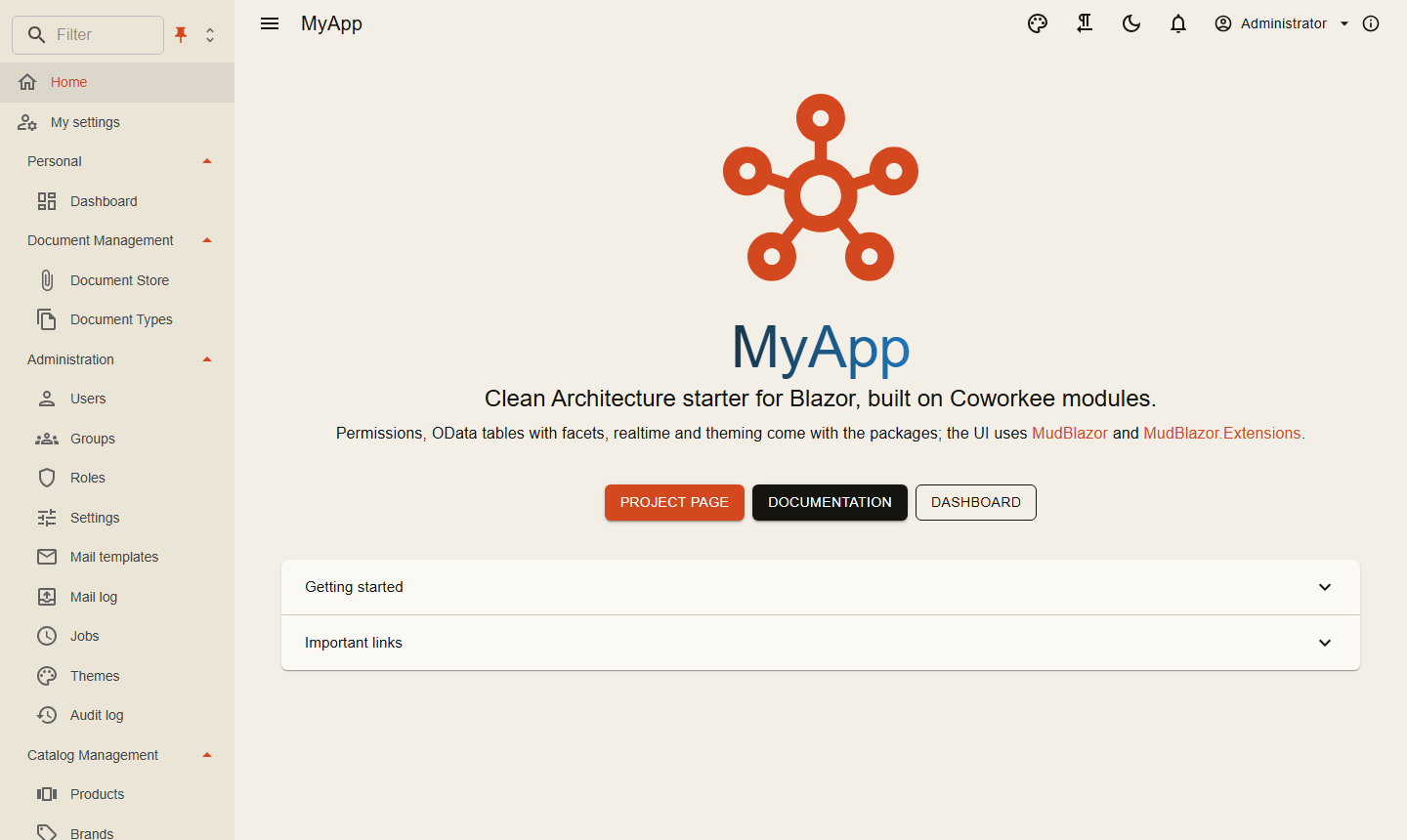
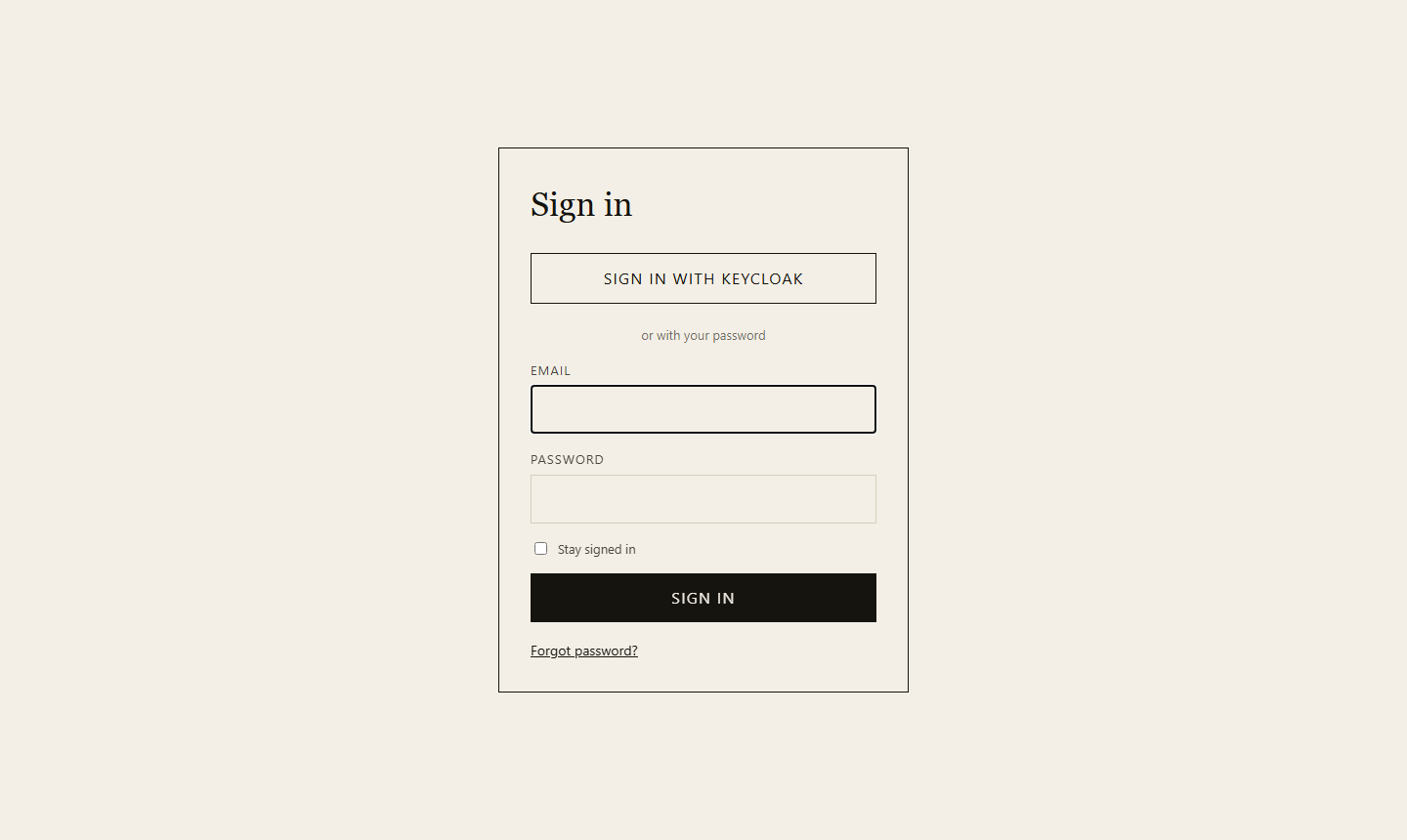
The migration service applies the migrations and seeds the users before the other services start; users and passwords are in LOGIN.md of the solution (from src/MyApp.Migrations/DemoUsers.cs). The sign-in page also offers Sign in with Keycloak, with the same users and passwords.
From scratch with NuGet
What the template creates, step by step. Every package starts with Coworkee.; the module system pulls in the dependencies of what you reference. Keep one version for all of them in Directory.Packages.props:
<PropertyGroup>
  <ManagePackageVersionsCentrally>true</ManagePackageVersionsCentrally>
  <CoworkeeVersion>1.0.0</CoworkeeVersion>
</PropertyGroup>
<ItemGroup>
  <PackageVersion Include="Coworkee.Aspire" Version="$(CoworkeeVersion)" />
  <PackageVersion Include="Coworkee.AspNetCore" Version="$(CoworkeeVersion)" />
  <!-- one line per Coworkee package you use -->
</ItemGroup>
| Project | Packages | Purpose |
|---|---|---|
Shop.Contracts |
Coworkee.Contracts |
DTOs and permission names shared by server and client |
Shop.Application |
Coworkee.Application |
commands, queries, handlers |
Shop.Infrastructure |
Coworkee.Infrastructure, Coworkee.Identity and the feature modules you want (Coworkee.Theming, Coworkee.Mailing, Coworkee.Auditing, Coworkee.Localization, Coworkee.Chat, Coworkee.Ai, …) |
the database context and the module that collects all modules |
Shop.Api |
Coworkee.AspNetCore |
HTTP API and OData |
Shop.Auth |
Coworkee.AuthServer |
sign-in, OpenID Connect server |
Shop.Web |
Coworkee.Bff |
hosts the Blazor client, keeps the tokens on the server |
Shop.Web.Client |
Coworkee.Client.Blazor |
the Blazor WebAssembly UI |
Shop.Migrations |
via Shop.Infrastructure |
applies migrations and seeds before the services start |
Shop.AppHost |
Coworkee.Aspire |
starts everything with Postgres, Redis and Mailpit |
Database and modules
public sealed class ShopDbContext(DbContextOptions<ShopDbContext> options, ICurrentUser currentUser, IEnumerable<IModelContributor> contributors)
    : CoworkeeDbContext(options, currentUser, contributors);

[DependsOn(typeof(ShopApplicationModule), typeof(CoworkeeIdentityModule))]
public sealed class ShopInfrastructureModule : CoworkeeModule
{
    public const string ConnectionStringName = "shop";

    public override void ConfigureServices(ModuleServiceContext context) =>
        context.Services.AddCoworkeeDbContext<ShopDbContext>((provider, options) =>
            options.UseCoworkeeDatabase(provider.GetRequiredService<IConfiguration>(), ConnectionStringName));
}

// every module that owns tables, so the migrations cover all of them
[DependsOn(typeof(ShopInfrastructureModule), typeof(CoworkeeAuthStoreModule), typeof(CoworkeeThemingModule), typeof(CoworkeeMailingModule))]
public sealed class ShopDatabaseModule : CoworkeeModule;
A design time factory lets dotnet ef build the context: it calls services.AddCoworkeeModules<ShopDatabaseModule>(configuration) and resolves ShopDbContext. Then dotnet ef migrations add Initial --project src/Shop.Infrastructure (or coworkee migrations add Initial).
The hosts
var builder = WebApplication.CreateBuilder(args);
builder.AddServiceDefaults();
builder.AddCoworkee<ShopApiModule>();

var app = builder.Build();
app.MapDefaultEndpoints();
app.UseCoworkee();
app.Run();

[DependsOn(typeof(ShopDatabaseModule))]
public sealed class ShopApiModule : CoworkeeModule
{
    public override void ConfigureServices(ModuleServiceContext context) =>
        context.Services.AddCoworkeeApiAuthentication(context.Configuration, "shop_api");
}
var builder = WebApplication.CreateBuilder(args);
builder.AddServiceDefaults();
builder.AddCoworkee<ShopAuthModule>();

var app = builder.Build();
app.MapDefaultEndpoints();
app.UseCoworkee();
app.Run();

[DependsOn(typeof(ShopInfrastructureModule), typeof(CoworkeeAuthServerModule))]
internal sealed class ShopAuthModule : CoworkeeModule;
var builder = WebApplication.CreateBuilder(args);
builder.AddServiceDefaults();
builder.AddCoworkeeBff();
builder.Services.AddRazorComponents().AddInteractiveWebAssemblyComponents();

var app = builder.Build();
app.MapDefaultEndpoints();
app.UseStaticFiles();
app.UseAntiforgery();
app.MapCoworkeeBff();
app.MapStaticAssets();
app.MapRazorComponents<App>()
    .AddInteractiveWebAssemblyRenderMode()
    .AddAdditionalAssemblies(typeof(Shop.Web.Client._Imports).Assembly, typeof(CoworkeeClientOptions).Assembly);
app.Run();
var builder = WebAssemblyHostBuilder.CreateDefault(args);
builder.Services.AddCoworkeeClient(new Uri(builder.HostEnvironment.BaseAddress), options =>
{
    options.AppTitle = "Shop";
    options.AppLogo = "logo.svg";
});
var host = builder.Build();
await host.Services.InitializeCoworkeeClientAsync();
await host.RunAsync();
The client's Routes.razor uses CoworkeeLayout as default layout and adds the Coworkee.Client.Blazor assembly to the router, so the shell, the account page and the admin pages are there.
var builder = DistributedApplication.CreateBuilder(args);
var app = builder.AddCoworkeeApp("shop");

app.AddMigrations<Projects.Shop_Migrations>();
app.AddAuthServer<Projects.Shop_Auth>();
app.AddApi<Projects.Shop_Api>();
app.AddWeb<Projects.Shop_Web>();

builder.Build().Run();
AddCoworkeeApp adds Postgres (or SQL Server or SQLite, see Database providers) and gives each service the infrastructure its Coworkee packages need, see Aspire.
Packages and namespaces lists what each package contains.
Next
Solution structure explains the projects, Your first feature adds a new entity end to end.