Client and layout
Coworkee.Client.Blazor is a complete WebAssembly shell: layout, navigation, user menu, notifications, admin pages for users, groups, roles, settings, services, themes, mail templates and audit log. The app adds its pages and menu entries.
var builder = WebAssemblyHostBuilder.CreateDefault(args);
var baseAddress = new Uri(builder.HostEnvironment.BaseAddress);
builder.Services.AddCoworkeeClient(baseAddress, options =>
{
    options.AppTitle = "MyApp";
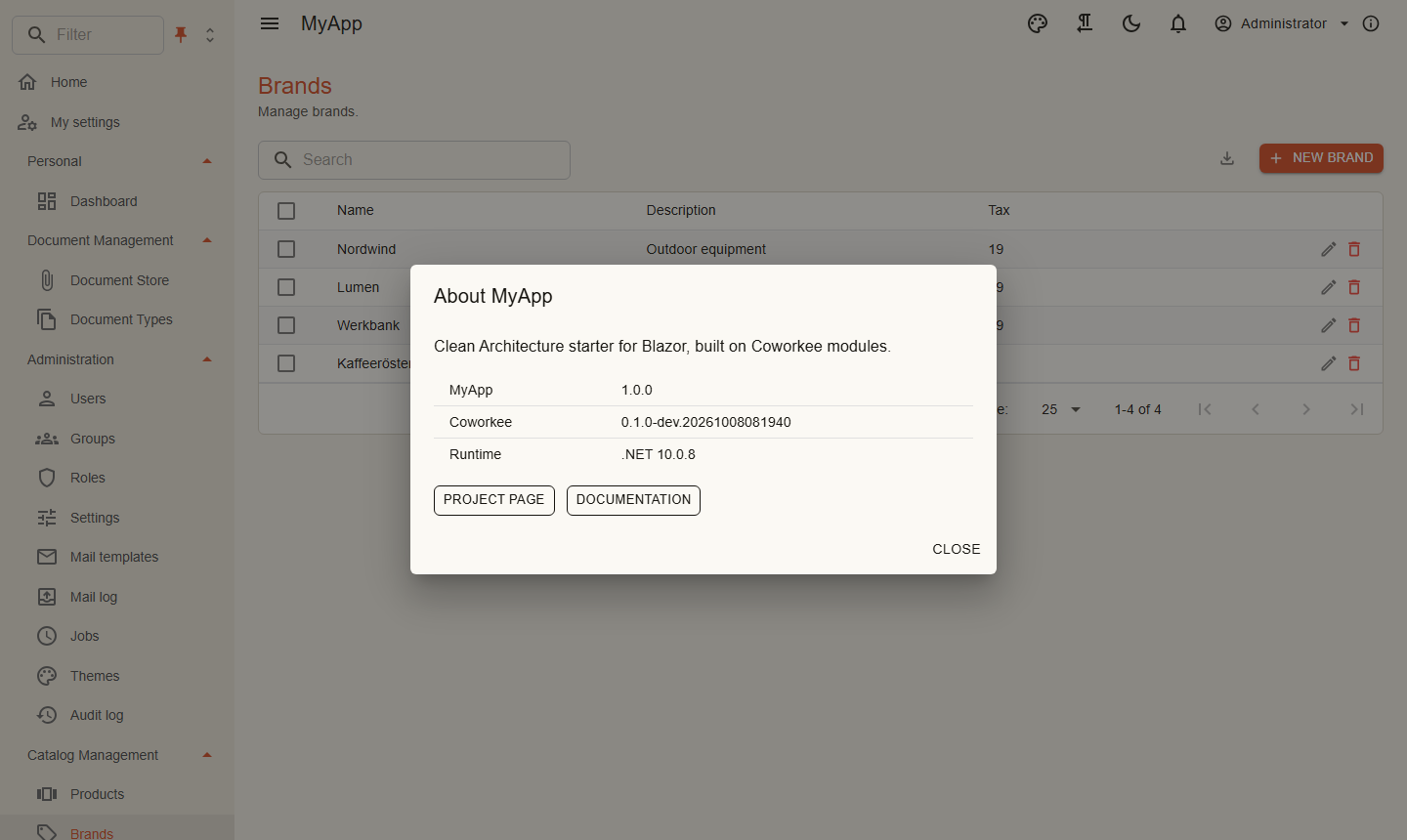
    options.AppDescription = "Clean Architecture starter for Blazor, built on Coworkee modules.";
    options.AboutLinks.Add(new AboutLink("Documentation", "https://fgilde.github.io/CoworkeeLib/"));
});
builder.Services.AddHttpClient<ICatalogApi, CatalogApi>(client => client.BaseAddress = baseAddress);
builder.Services.AddSingleton<INavigationContributor, MyAppNavigation>();
builder.Services.Configure<NavigationMenuOptions>(MyAppNavigation.Order);
var host = builder.Build();
await host.Services.InitializeCoworkeeClientAsync();
await host.RunAsync();
<Router AppAssembly="typeof(Program).Assembly" AdditionalAssemblies="new[] { typeof(CoworkeeClientOptions).Assembly }">
    <Found Context="routeData">
        <AuthorizeRouteView RouteData="routeData" DefaultLayout="typeof(CoworkeeLayout)" />
    </Found>
</Router>
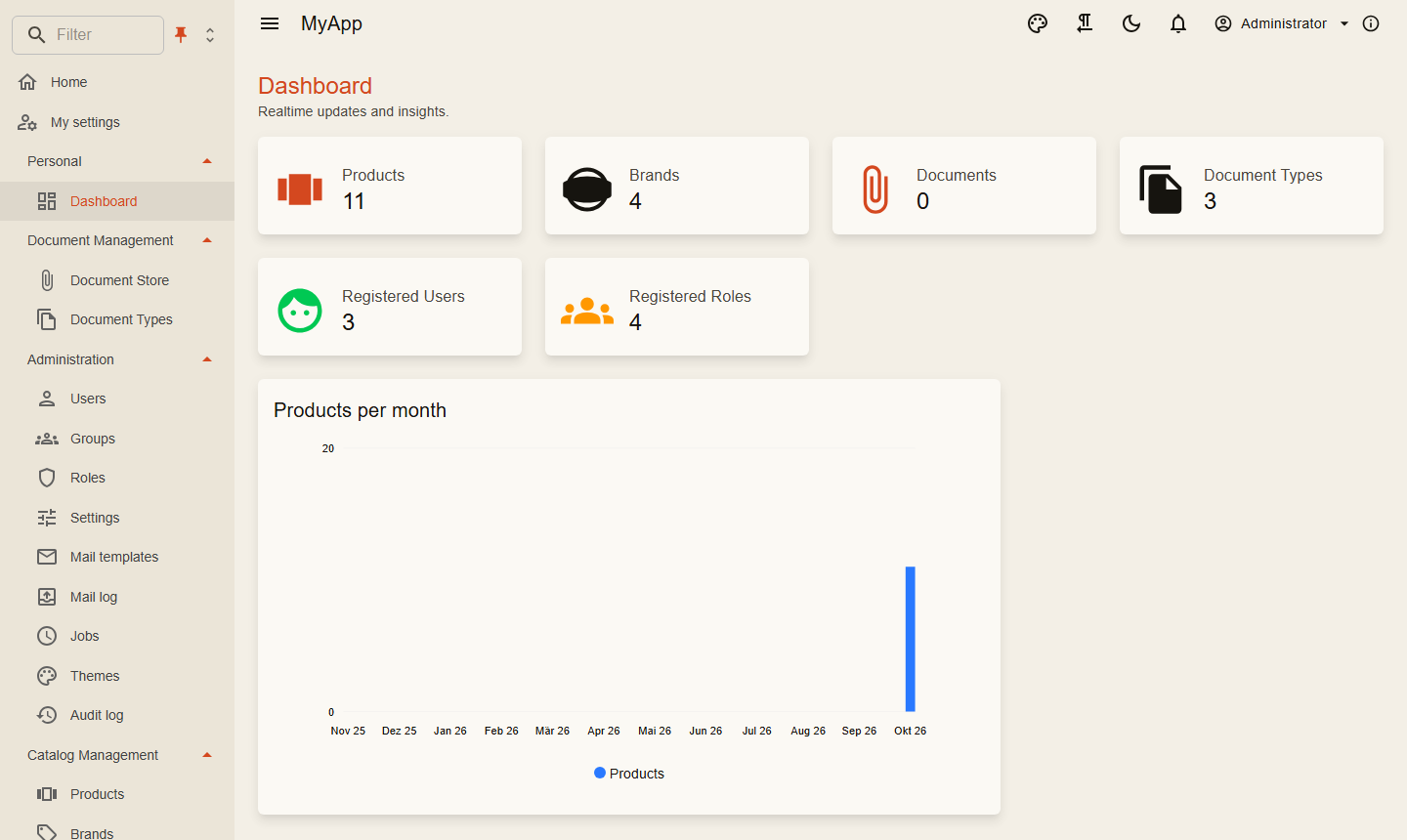
Navigation
internal sealed class MyAppNavigation : INavigationContributor
{
    private const string CatalogManagement = "Catalog Management";

    public static void Order(NavigationMenuOptions menu) => menu
        .OrderGroup("Personal", 0)
        .OrderGroup(NavigationGroups.Administration, 2)
        .OrderGroup(CatalogManagement, 3);

    public IEnumerable<CoworkeeNavItem> Items =>
    [
        new("Dashboard", "/dashboard", Icons.Material.Outlined.Dashboard, CatalogPermissions.Dashboards.View, Group: "Personal"),
        new("Products", "/catalog/products", Icons.Material.Outlined.ViewCarousel, CatalogPermissions.Products.View, Group: CatalogManagement),
        new("Brands", "/catalog/brands", Icons.Material.Outlined.Sell, CatalogPermissions.Brands.View, Group: CatalogManagement, Order: 1),
    ];
}
NavigationMenuOptions |
|
|---|---|
OrderGroup(name, order) |
position of a group; unknown groups come last, by name |
Hide(hrefs) |
removes entries, also the built-in admin pages |
ShowHome, HomeTitle |
the home link at the top |
IconForGroup(name, icon) |
the icon of a group node |
Place(href, group, title?, order?) |
moves a link of the library into another group; a group path like Administration/Localization nests |
The admin pages of the library sit in groups below Administration: NavigationGroups.Identity (users, groups, roles, applications, scopes), NavigationGroups.System (settings, services, tenants, editions, themes, backups), NavigationGroups.Communication (mail templates, mail log), NavigationGroups.Localization (languages, translations) and NavigationGroups.Monitoring (audit log, AI tool calls). Nested groups sort within their top level group, which keeps the place OrderGroup gives it.
The menu is a MudExTreeView: groups are nodes, the filter box highlights matches and opens their groups, and the view can switch between tree, list and flat list. Pinned, the drawer stays as an icon strip under the app bar and the menu button widens it; unpinned, it opens as an overlay and hides again. Whether one group or several stay open is a second toggle. Both choices are stored in the browser.
Entries with HostOnly: true serve the whole installation and show only to users of the system organisation; the library marks Tenants, Editions, Applications, Scopes, Services and Backups that way, and the settings page shows its typed tabs and the System tab only there. The client knows the organisation from /bff/user (SystemTenant, from the system_tenant claim of the auth server); sign-ins from before that claim show everything as before.
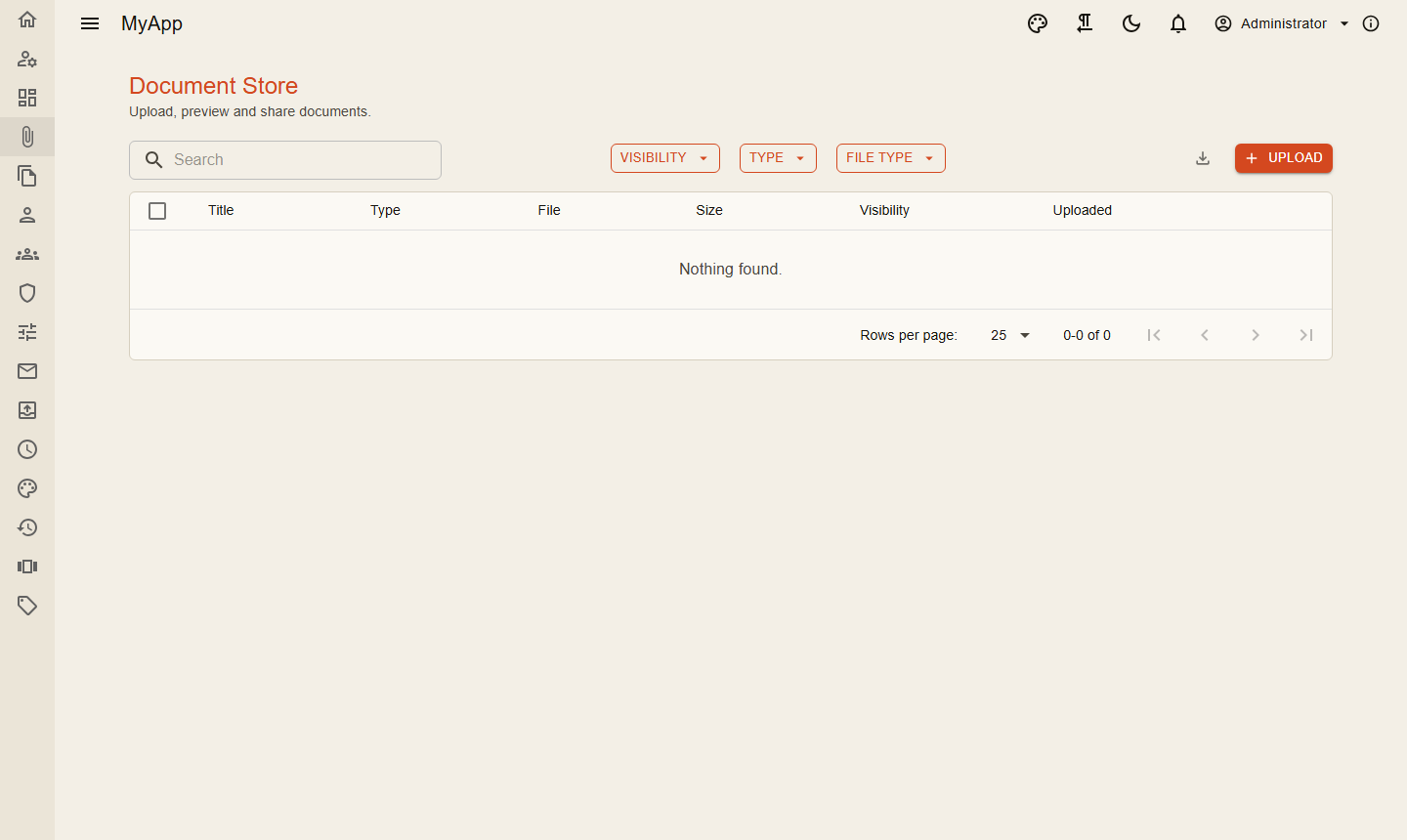
App bar
The app bar shows the theme menu, right to left switch, dark mode, notifications, user menu and the about dialog. Add your own components:
internal sealed class LanguageBar : IAppBarContributor
{
    public IEnumerable<AppBarItem> Items => [new AppBarItem(typeof(LanguageSwitch), Order: 10)];
}
Calling your API
Typed clients derive from ApiClientBase. It sends the CSRF header the BFF requires and turns problem details into ApiException:
internal sealed class CatalogApi(HttpClient http) : ApiClientBase(http), ICatalogApi
{
    public Task<DashboardDto> GetDashboardAsync(CancellationToken cancellationToken = default) => GetAsync<DashboardDto>("api/v1/dashboard", cancellationToken);

    public Task DeleteBrandsAsync(IReadOnlyList<Guid> ids, CancellationToken cancellationToken = default) =>
        SendAsync(HttpMethod.Post, "api/v1/brands/delete", new IdsRequest(ids), cancellationToken);
}
Snackbar.RunAsync(() => api.SaveAsync(...), "Saved") runs a call and shows success or the validation messages of a failure.
People
UserAvatar shows a user's picture or initials, UserCard picture and name with an optional second line. Both load in batches and update for everyone the moment someone changes name or picture on the profile page (tenant:users realtime topic).
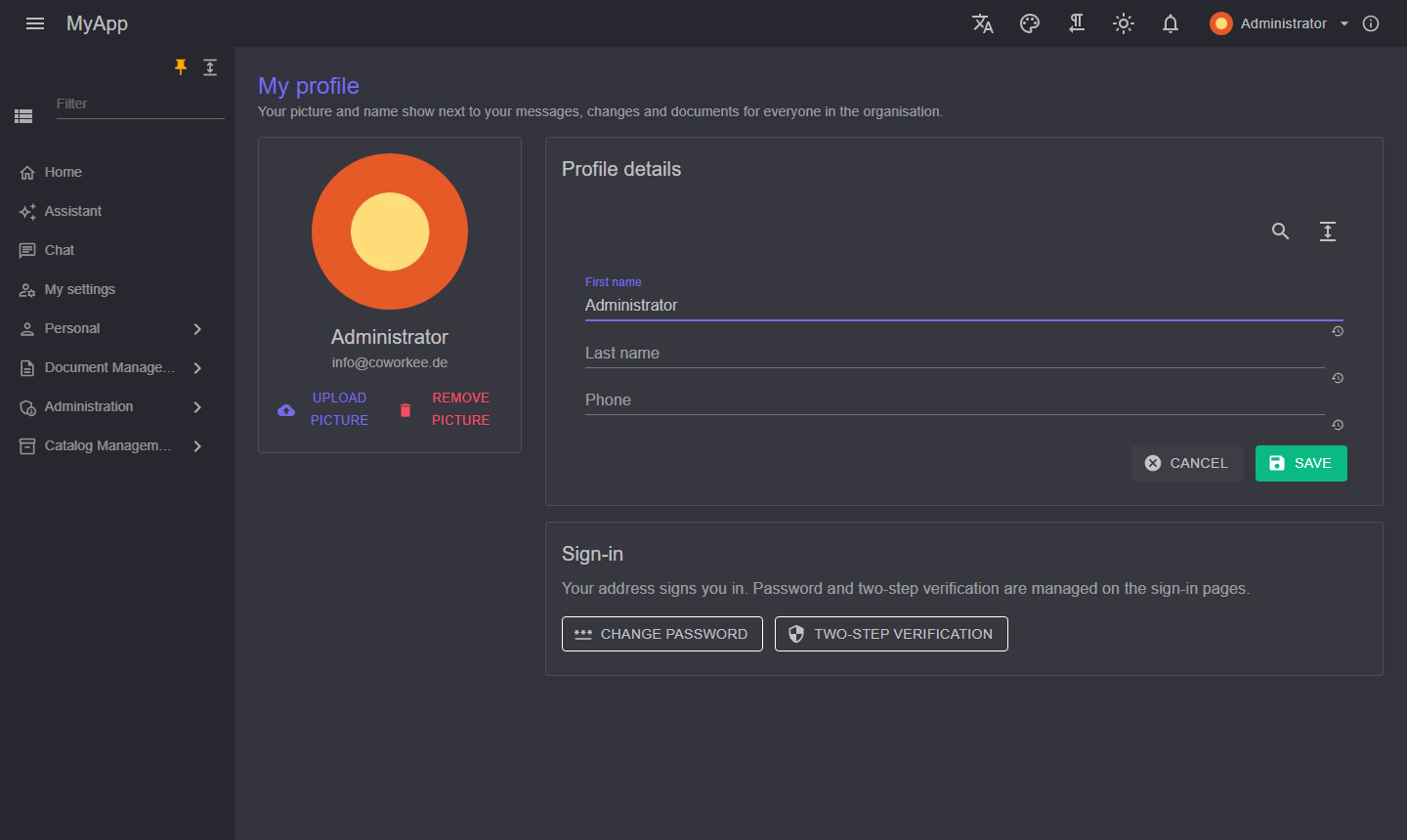
<UserCard UserId="entry.ActorId">@entry.CreatedAt.ToString("g")</UserCard>
<UserAvatar UserId="message.FromUserId" Size="Size.Small" ShowTooltip="true" />
Account page
/profile holds the tabs Profile (picture, name, phone, address), Security, Notifications and Settings; /profile/{key} opens one directly. Register a ProfileTab to add your own:
builder.Services.AddSingleton(new ProfileTab("Documents", "documents", typeof(MyDocuments), DocumentPermissions.Documents.View));
Building blocks
| Component | Use |
|---|---|
PageHeader |
title, description, actions on the right; sets the browser title |
PermissionGate, PermissionView |
render content only with a permission |
RealtimeSubscription |
calls back when the server publishes on a topic, e.g. type:Brand |
EntityWatch |
keeps a detail page in step with its entry, goes back when it is deleted |
NotAllowed |
what the router shows instead of a forbidden page, with a switch to a role that grants it |
ActiveRoleMenu, ChatNotifier |
in the user menu: the active role and chat snackbars |
CoworkeeDataTable<T> |
data tables |
ShowEditAsync |
edit dialog generated from a model |
AuditTimeline, VersionHistory |
change history of an entity |
ResourcePermissionsPanel |
grants on a single resource |